What it means
Others on a Bosch WAT28400UC washer covers any other code the manual does not list. The manual says to turn the machine off, wait 5 seconds and turn it on again. If the display shows the code again, book a visit.
Bosch washer Others / Other codes
Others on a Bosch WAT28400UC washer covers any other code the manual does not list. The manual says to turn the machine off, wait 5 seconds and turn it on again. If the display shows the code again, book a visit.
Also shown as Others (E:/F: other fault codes, WAT28400UC wording)
Others on a Bosch WAT28400UC washer covers any other code the manual does not list. The manual says to turn the machine off, wait 5 seconds and turn it on again. If the display shows the code again, book a visit.
Use the control, not the plug, as the manual says "turn off machine".
The code returns after the 5-second restart.
Your Bosch checklist stays on this device
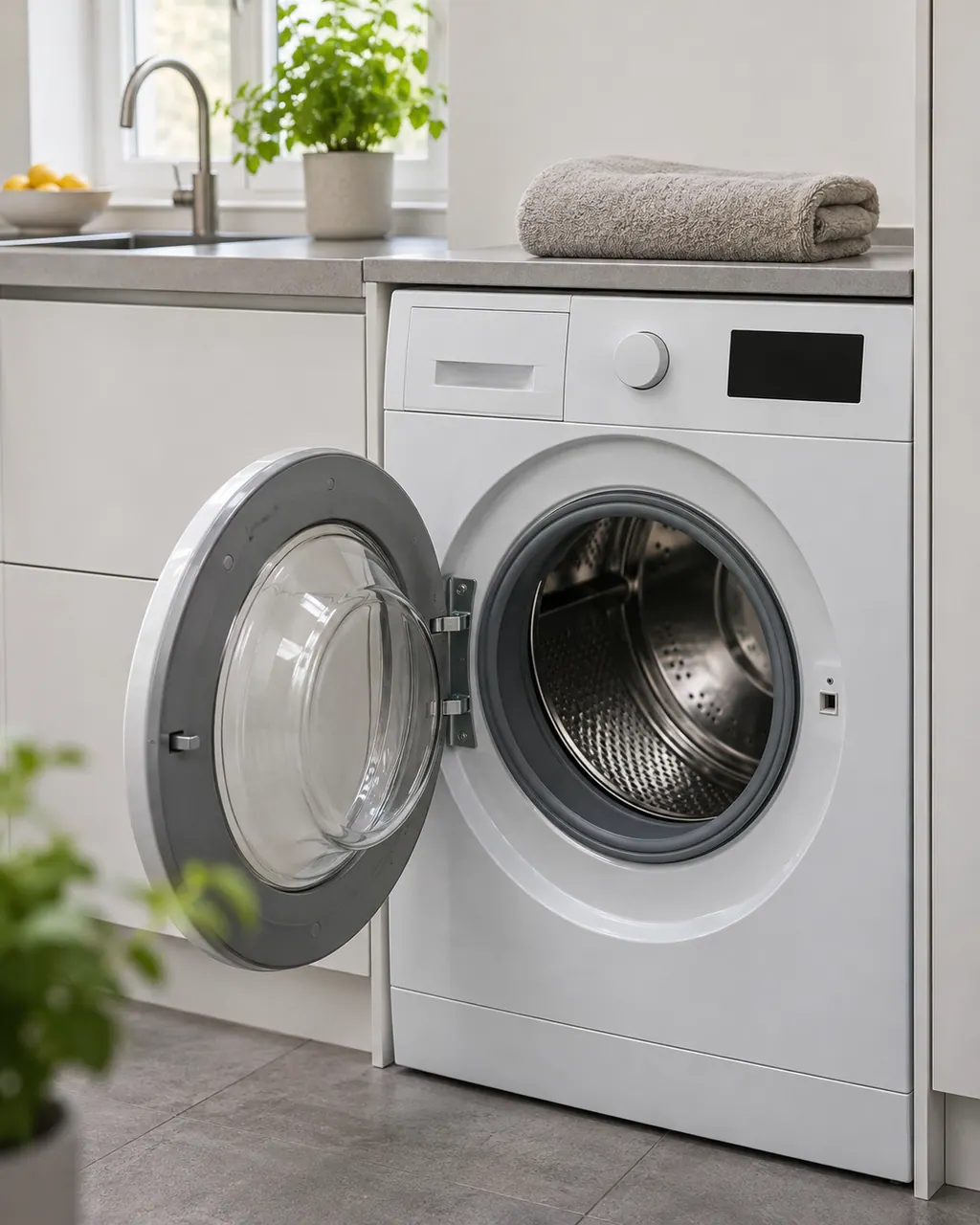
Use the control, not the plug, as the manual says "turn off machine".
The manual gives 5 seconds; the longer 30-second wait is on the general page.
Switch it back on and look at the display. A one-off code will have gone.
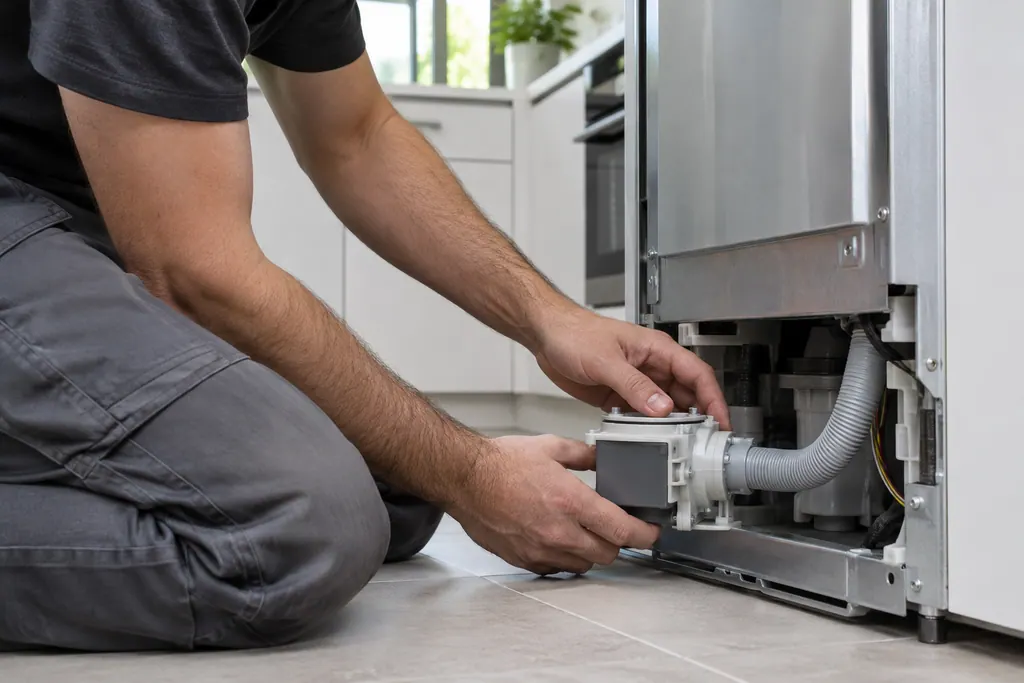
Bosch's manual says to call customer service; for you that means booking a technician.
Send us the model and the checks you have run, then start your request right here.
Book a visit
A simplified drawing, since the inside of a Bosch shifts between models. Select an outlined part for its photo and the check that goes with it.
Any display message not listed in the manual's error table.
Read the supporting manualSwitch off, wait 5 seconds and switch on. If the display shows the message again, get service.
Read the supporting manualThe exact code and the stage of the program, so the visit starts with facts.
Read the supporting manualManufacturer document
BSH Home Appliances Corporation (Bosch US manual PDF, media3.bosch-home.com)
PDF created 31.07.2020; file tag _B (no printed edition date read) / PDF p37
Bosch use and care manual for the WAT28400UC washer (PDF created 31.07.2020), page 37. The same page lists E:93, E:32, E:18 and the door message.
It is what the manual says. The Bosch washer page asks for at least 30 seconds without power.
This page is for the WAT28400UC; other Bosch washers have their own "all other codes" entry.
The manual says to turn the machine off. Unplugging is optional.
The code, the model and that a restart did not clear it.
Bosch E-codes, symptoms, parts, repair visits
E:93 on a Bosch WAT28400UC washer means hot water is missing: the hot tap is off, the hot hose is kinked, the hot pressure is low or the strainer is clogged. It shows at the end of the first cycle without hot water.
Close the tap and disconnect the washer's power, then look at where the water shows up. Bosch's washer manual ties a leak to four spots: the inlet hose, the outlet hose, the door seal, or an overfull detergent drawer. Water inside the base is a different case. Book a technician for that.
Arrange a diagnostic for your exact model, carried out at the appliance.
Office details, plus the access information to send us.