Inside the appliance
Range hood fan. In plain English.
The fan in a Bosch range hood responds to the plus and minus keys, and a bar on the display shows the current speed. Pressing minus repeatedly switches it off. A timer and a ten-minute delayed shut-off run on the fan, and a protection mode raises it to the highest speed when the cooktop gets too hot.
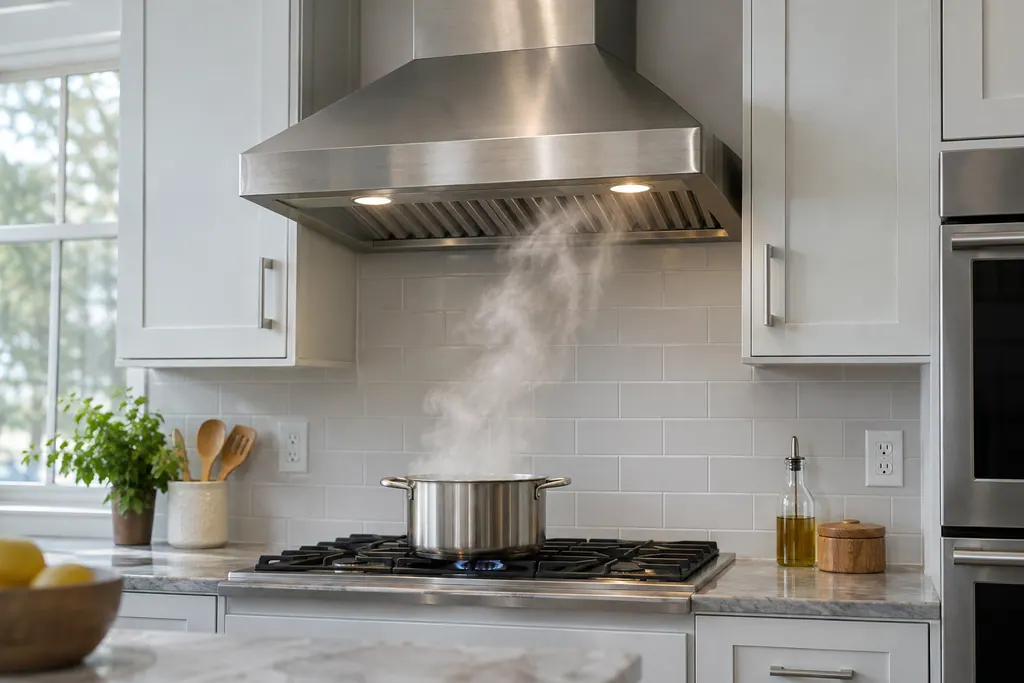
Where it fits.
Range hood fan in the appliance
Bosch's manual does not say where the fan motor sits. The fan is controlled by the keys on the front display.
The photo is an example of this kind of component. It does not tell you which replacement suits your model.
What shifts when this system needs attention.
Range hood fan concerns can show up with a drop in performance or a code that keeps returning. Testing comes before deciding whether the component is to blame.
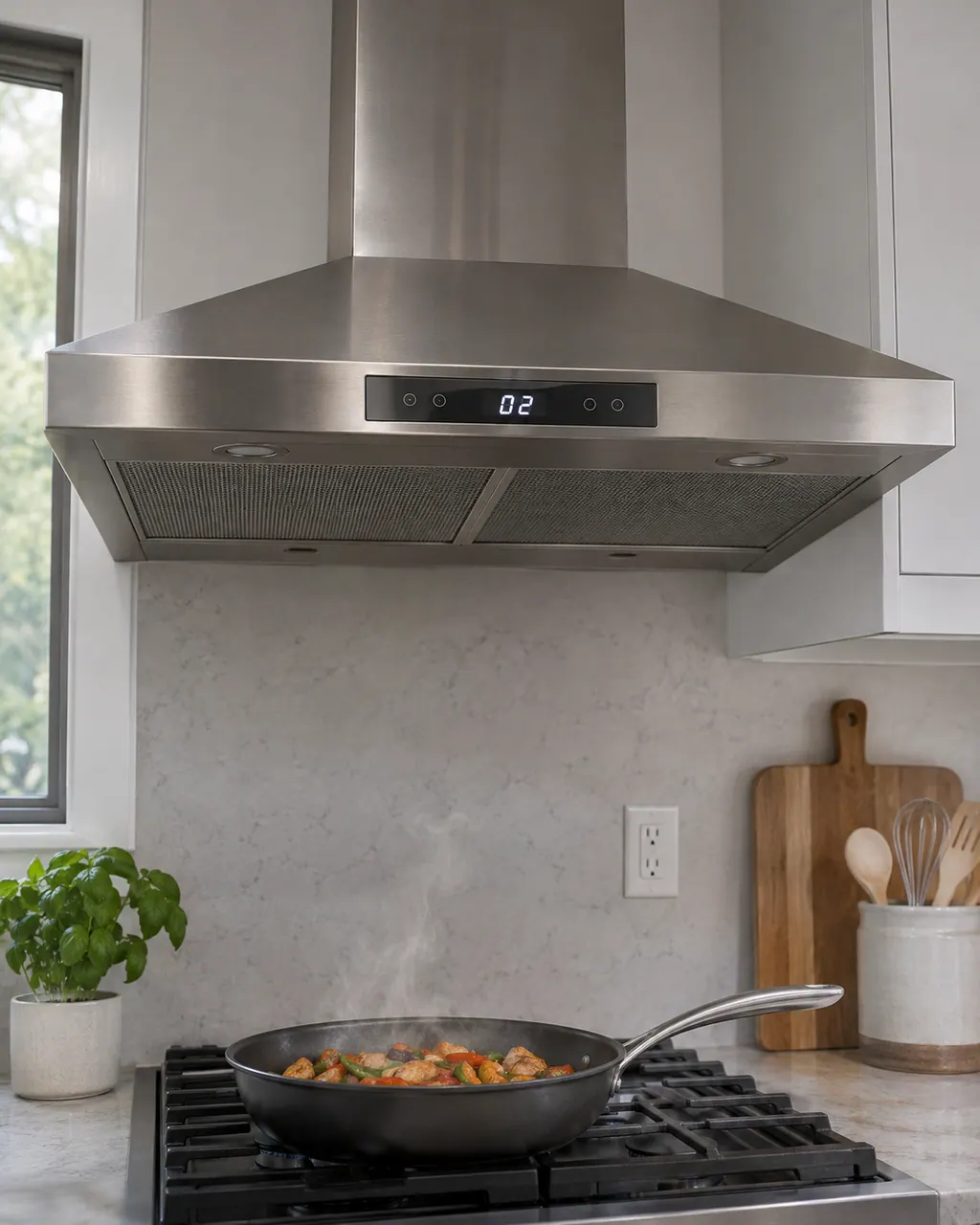
Bosch hood fan or lights not working
When a Bosch hood's lights and fan both stay off, the household breaker is the first suspect. Fan only dead, or a hood that trips the breaker, points to wiring or circuit capacity, which the installation instructions cover.
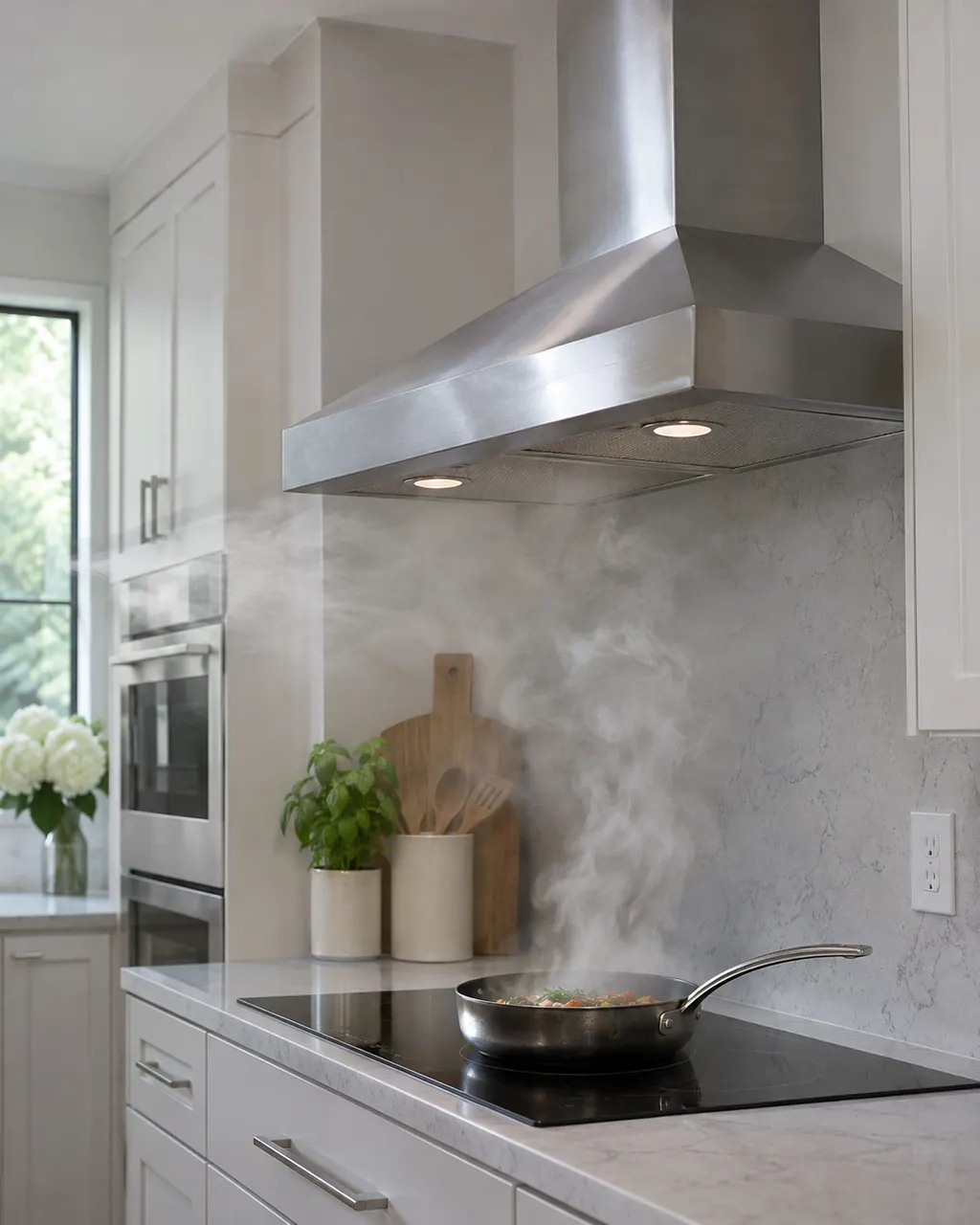
Bosch hood not venting or clearing smoke well
A Bosch hood that clears smoke poorly is often an airflow problem: a blocked duct, drafts from open windows, a hood set too high or off-center, or a filter that wants cleaning. Fix the simple ones first.
Owner care, within the model instructions.
Switch off and unplug before any check you do yourself. Watch for pooled water and sharp debris. Never touch a wet plug or an electrical area, take off a service panel or go beyond your model’s owner instructions.
- 1
Press plus to start
Press the plus key to switch the fan on. The bar on the display shows the setting, and plus or minus changes it.
- 2
Match speed to the cooking
Bosch says to adjust fan strength to current conditions and choose a high setting when there is a lot of steam or fumes.
- 3
Use the delayed shut-off
Pick a fan speed, then keep the Timer key pressed for three seconds. The fan and light switch off after ten minutes and the display shows End.
- 4
Leave Auto alone
If Auto shows, the hood is protecting itself from heat and has gone to its highest speed. You cannot lower it until the temperature drops.
Cleaning or replacement?
Leave internal testing to a technician.
The fan does not respond to the keys although the display lights.
Auto stays on after the cooktop below has cooled.
The fan runs but airflow stays weak after the filters are cleaned.
Arrange a diagnosticSee the neighboring components.
Sources and model boundaries.
These are the sources behind the Range hood fan guidance. Pick the manual for your own model.
- Hood Use and Care Manual, HCP30651UC, HCP36651UC, HCP80641UC, HCP86641UC
Open the instructions that match your exact model. See how we research these pages.
How do I switch my Bosch hood fan off?
Press the minus key repeatedly until the fan switches off. Bosch also describes a timer and a ten-minute delayed shut-off.
What does the delayed shut-off do?
After the Timer key has been pressed for three seconds, the fan and lighting switch off after ten minutes and End appears. Any key interrupts it.
Why did the fan jump to its highest speed?
Auto means overheating protection is active. Bosch says you cannot lower the setting until the temperature falls.
Does the timer change the fan setting?
Bosch says the timer has no influence on the hood's functions. It only sounds a signal and shows End when the time has elapsed.
Bosch E-codes, symptoms, parts, repair visits
From the message to the step after it.
Auto
"Auto" on a Bosch HCP or HCB range hood means overheating protection is active. The hood has switched to its highest fan setting and you cannot lower the setting until the temperature drops. Wait while it cools.
Bosch hood fan or lights not working
When a Bosch hood's lights and fan both stay off, the household breaker is the first suspect. Fan only dead, or a hood that trips the breaker, points to wiring or circuit capacity, which the installation instructions cover.
Hood repair
Arrange a diagnostic for your exact model, carried out at the appliance.
Find your metro
Office details, plus the access information to send us.