What it means
"Snd" on a Bosch HCP or HCB range hood appears for 3 seconds when you switch the audible signal on or off by holding the Light button for 5 seconds. It is a setting confirmation, not an error.
Bosch hood Snd / Modes and messages
"Snd" on a Bosch HCP or HCB range hood appears for 3 seconds when you switch the audible signal on or off by holding the Light button for 5 seconds. It is a setting confirmation, not an error.
Also shown as Snd
"Snd" on a Bosch HCP or HCB range hood appears for 3 seconds when you switch the audible signal on or off by holding the Light button for 5 seconds. It is a setting confirmation, not an error.
Press and hold the Light button for 5 seconds.
It keeps showing on its own.
Your Bosch checklist stays on this device
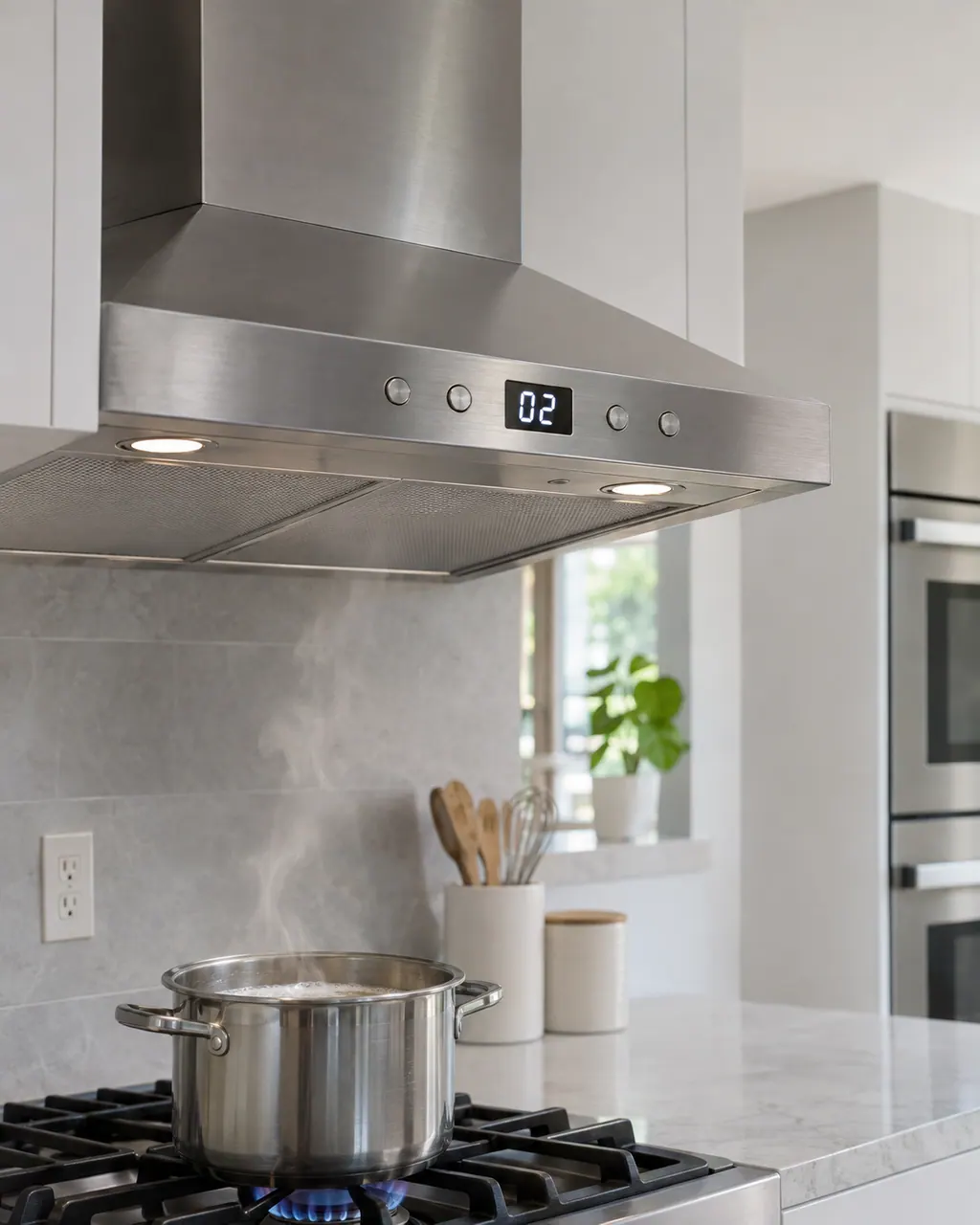
Press and hold the Light button for 5 seconds. That switches the audible signal on or off.
"Snd" shows on the display panel for 3 seconds as confirmation.
When the signal is on, a tone sounds as you do this.
Hold the Light button again for 5 seconds.
Send us the model and the checks you have run, then start your request right here.
Book a visit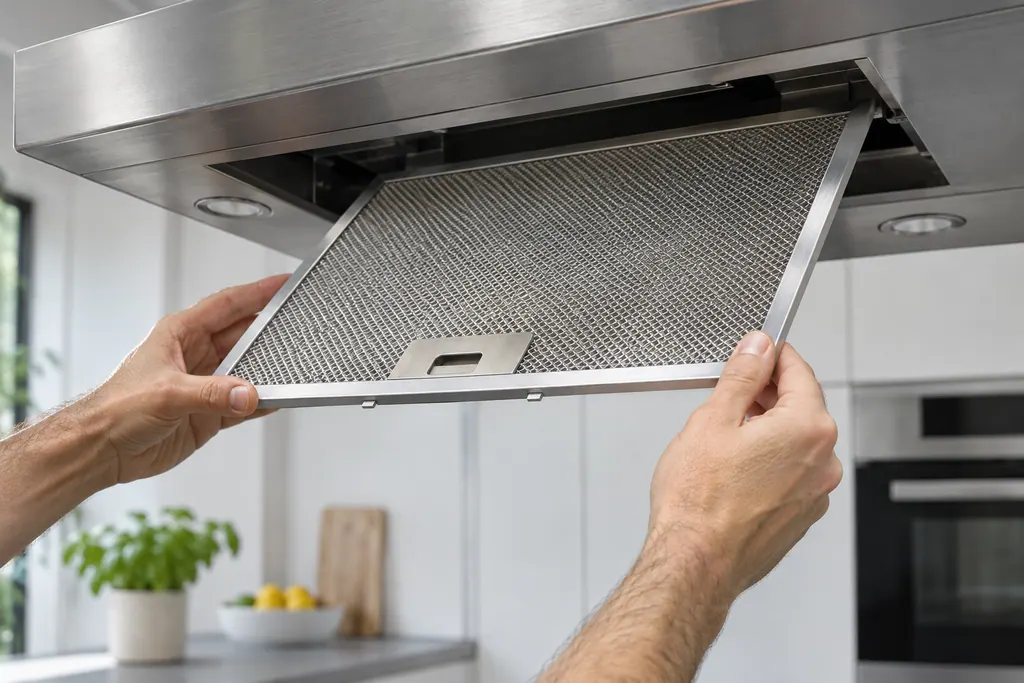
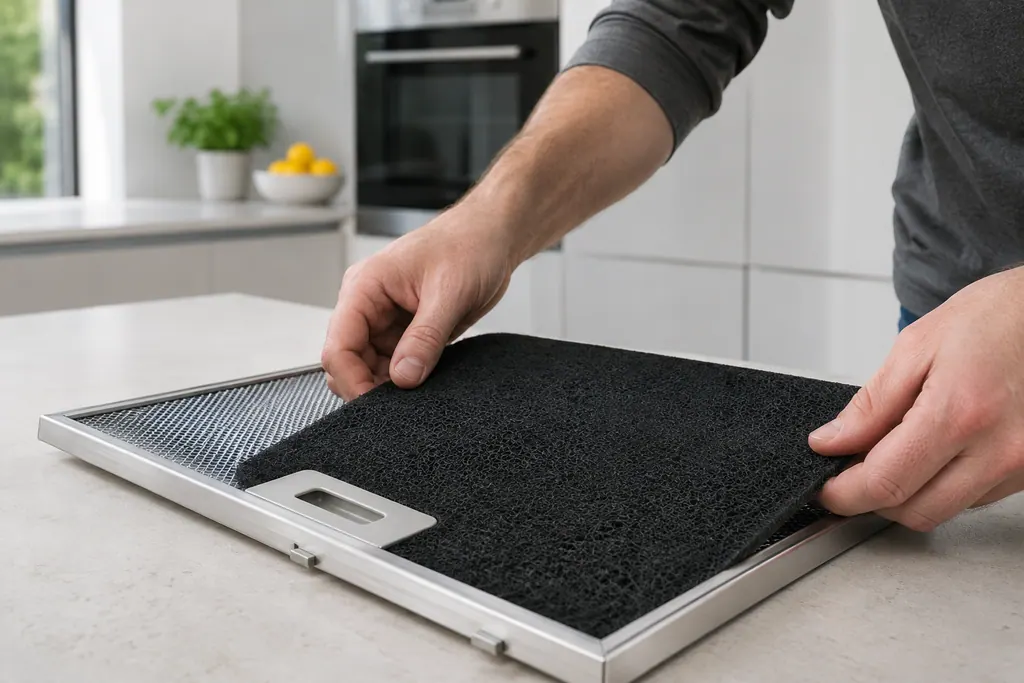
A simplified drawing, since the inside of a Bosch shifts between models. Select an outlined part for its photo and the check that goes with it.
The audible signal was switched on or off.
Read the supporting manualSomeone held the Light button for 5 seconds.
Read the supporting manualNo. It is a confirmation that the beep setting changed, and the hood is working normally.
Read the supporting manualManufacturer document
BSH Home Appliances Corporation (Bosch US manual PDF, media3.bosch-home.com)
PDF created 09.04.2019; file tag _A (no printed edition date read) / PDF p8
Bosch hood use and care manual HCP30651UC, HCP36651UC, HCP80641UC, HCP86641UC (PDF created 09.04.2019), pages 7 and 8; the HCB50651UC, HCB56651UC manual repeats the filter messages.
Yes. Hold the Light button for 5 seconds with the hood off; "Snd" shows again to confirm.
No. The audible signal setting has no effect on the fan or the lighting.
The timer also sounds a signal when it ends, so the setting is linked to that kind of tone.
Not for this message alone. "Snd" confirms a setting you changed.
Bosch E-codes, symptoms, parts, repair visits
"Auto" on a Bosch HCP or HCB range hood means overheating protection is active. The hood has switched to its highest fan setting and you cannot lower the setting until the temperature drops. Wait while it cools.
When a Bosch hood's lights and fan both stay off, the household breaker is the first suspect. Fan only dead, or a hood that trips the breaker, points to wiring or circuit capacity, which the installation instructions cover.
Arrange a diagnostic for your exact model, carried out at the appliance.
Office details, plus the access information to send us.