What it means
"ENJOY YOUR MICROWAVE TOUCH CLEAR" on a Bosch drawer microwave appears after a power cut or when it is plugged in. Press stop/clear, then enter the time of day. It is a start-up greeting, not an error.
Bosch microwave ENJOY YOUR MICROWAVE TOUCH CLEAR / Modes and messages
"ENJOY YOUR MICROWAVE TOUCH CLEAR" on a Bosch drawer microwave appears after a power cut or when it is plugged in. Press stop/clear, then enter the time of day. It is a start-up greeting, not an error.
Also shown as ENJOY YOUR MICROWAVE TOUCH CLEAR
"ENJOY YOUR MICROWAVE TOUCH CLEAR" on a Bosch drawer microwave appears after a power cut or when it is plugged in. Press stop/clear, then enter the time of day. It is a start-up greeting, not an error.
Touch stop/clear.
The message returns on its own.
Your Bosch checklist stays on this device
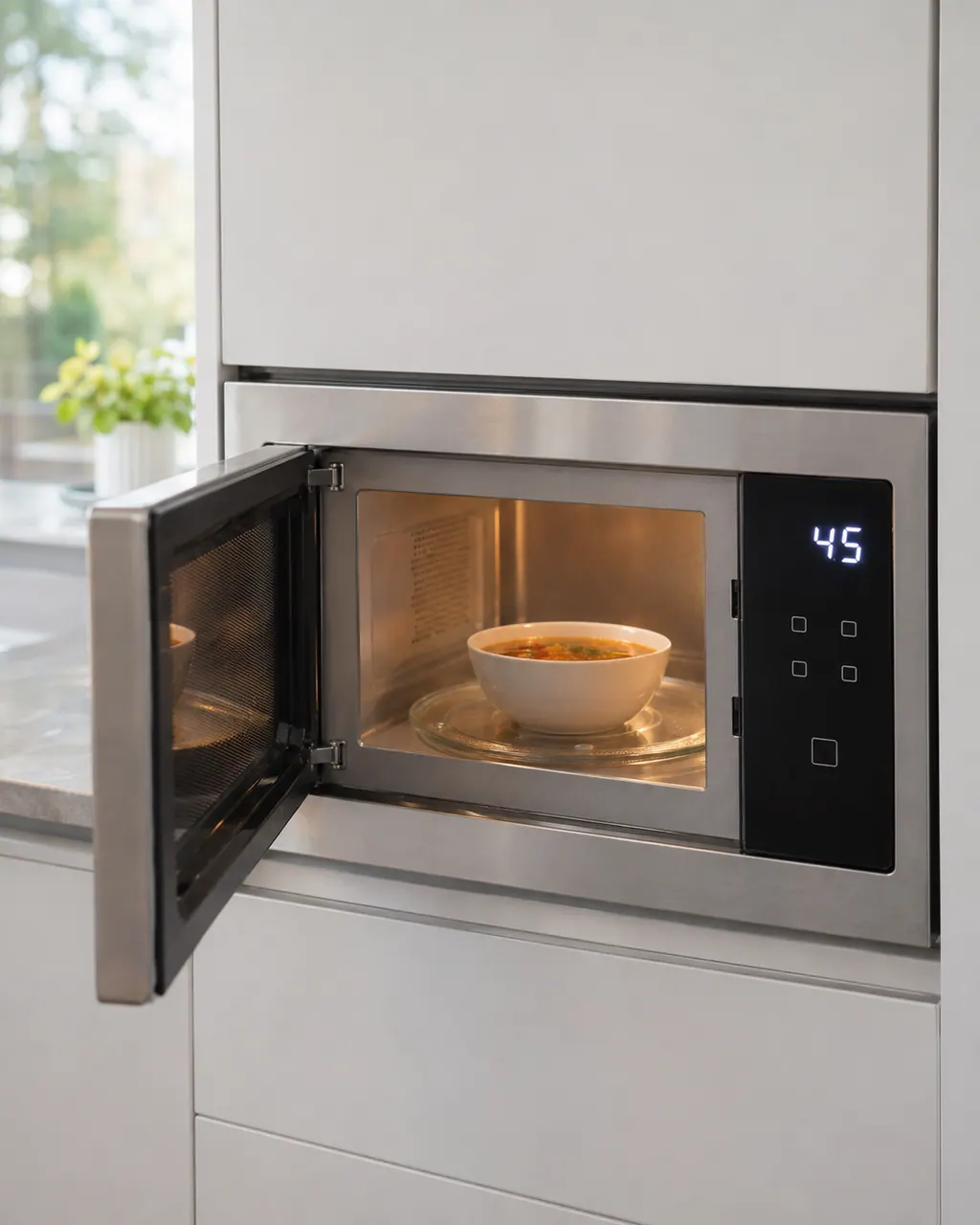
Touch stop/clear. This clears the greeting from the display.
The manual says to follow the prompt TO SET CLOCK ENTER TIME.
If the message shows often, power may be cutting in and out. Our observation, not Bosch's.
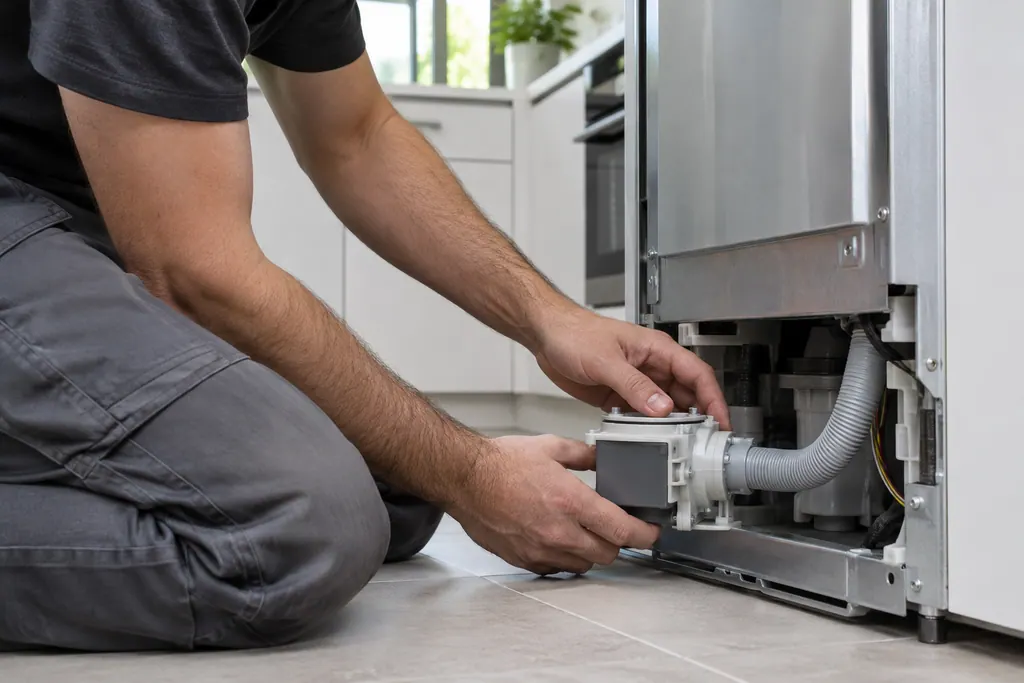
No further step is needed once the clock is set; the microwave is ready.
Send us the model and the checks you have run, then start your request right here.
Book a visit
A simplified drawing, since the inside of a Bosch shifts between models. Select an outlined part for its photo and the check that goes with it.
It is the message the microwave shows after power is restored or it is plugged in.
Read the supporting manualPower cuts or a loose plug cause it each time. A surge or tripped breaker are general possibilities.
Read the supporting manualNo. It is a greeting shown after power returns, and the microwave is working normally once the clock is set.
Read the supporting manualManufacturer document
BSH Home Appliances Corporation (Bosch US manual PDF, media3.bosch-home.com)
PDF created 30.09.2025; file tag _C (no printed edition date read) / PDF p9
Bosch drawer microwave HMD8454UC, HMD8054UC use and care manual (PDF created 30.09.2025), pages 9 to 11 and 16.
The clock needs setting again, per the manual. Other settings are not mentioned.
No. The end of cooking reminder is a separate feature of the microwave.
The message is part of start-up after power returns, so it cannot be switched off.
If the message appears with no power interruption, or the clock cannot be set.
Bosch E-codes, symptoms, parts, repair visits
"ERROR" on a Bosch drawer microwave during sensor cooking means the sensor did not detect vapor properly. Touch stop/clear and cook manually, then check the food temperature after cooking.
A drawer microwave that does not operate or heat has a four-item checklist in Bosch's manual: a loose power cord, an outage, a breaker or fuse that quit, and demo mode. Wrong control settings are the extra cause for no heat.
Arrange a diagnostic for your exact model, carried out at the appliance.
Office details, plus the access information to send us.