Inside the appliance
Microwave touch keypad. In plain English.
The touch keypad is the control surface on a Bosch built-in microwave. The convection model shows E-11 when keys misbehave, which the manual links to condensation on the pad. Dry the pad with a cloth and take the power off briefly.
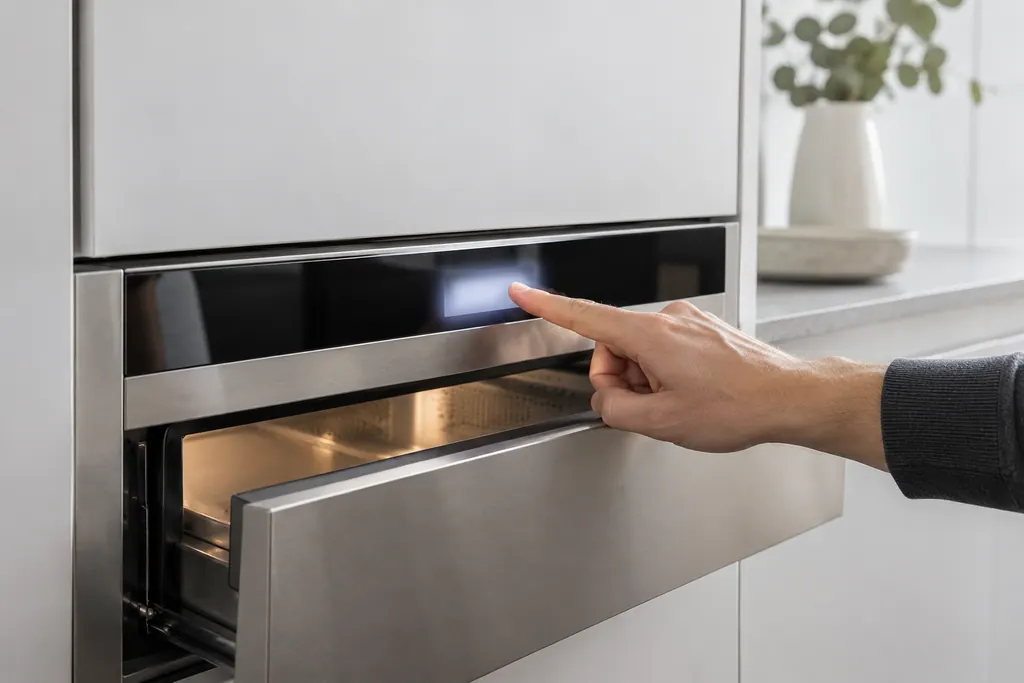
Where it fits.
Microwave touch keypad in the appliance
On the front control panel of the built-in microwave or drawer.
The photo is an example of this kind of component. It does not tell you which replacement suits your model.
What shifts when this system needs attention.
Microwave touch keypad concerns can show up with a drop in performance or a code that keeps returning. Testing comes before deciding whether the component is to blame.
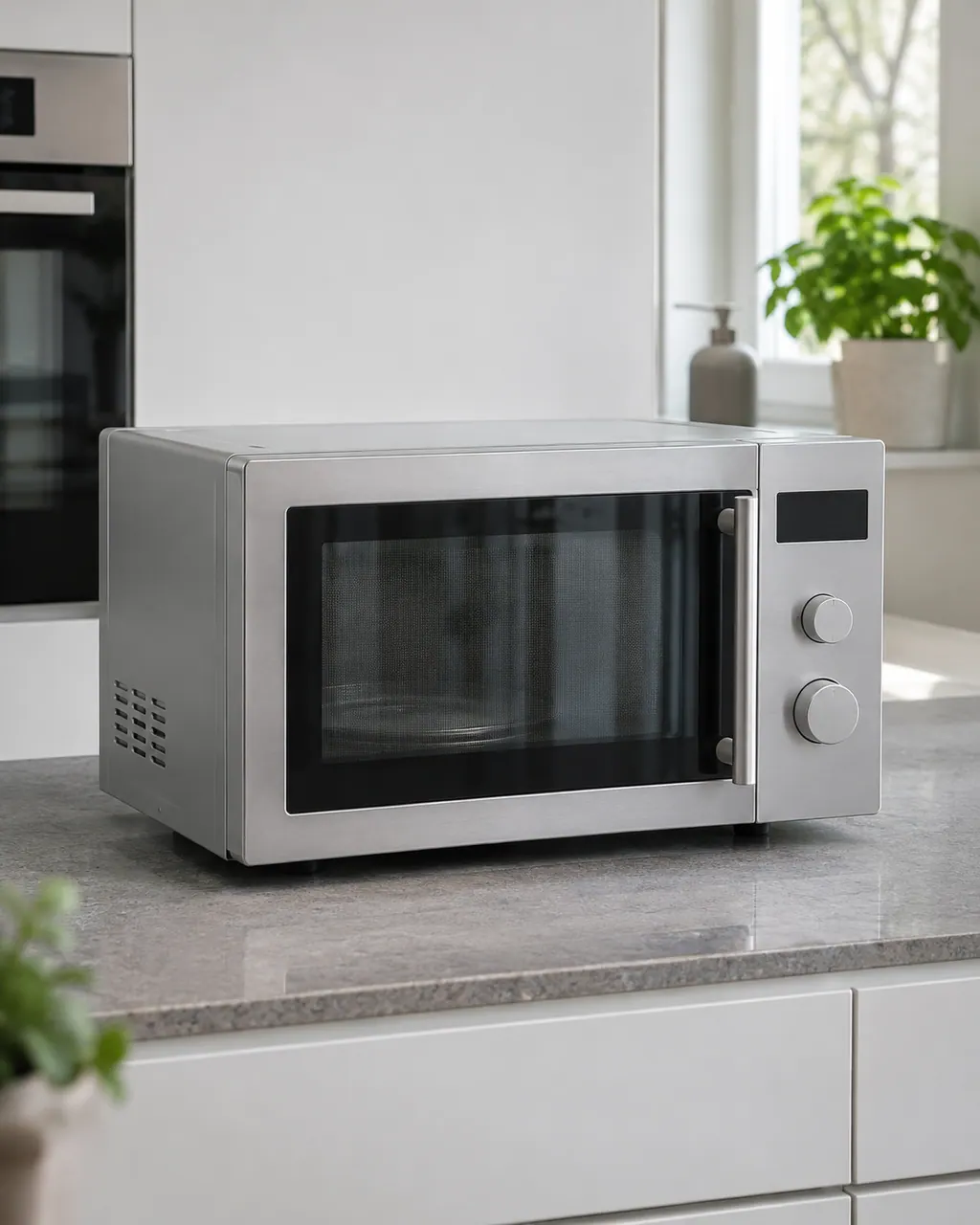
Bosch drawer microwave not heating or not operating
A drawer microwave that does not operate or heat has a four-item checklist in Bosch's manual: a loose power cord, an outage, a breaker or fuse that quit, and demo mode. Wrong control settings are the extra cause for no heat.
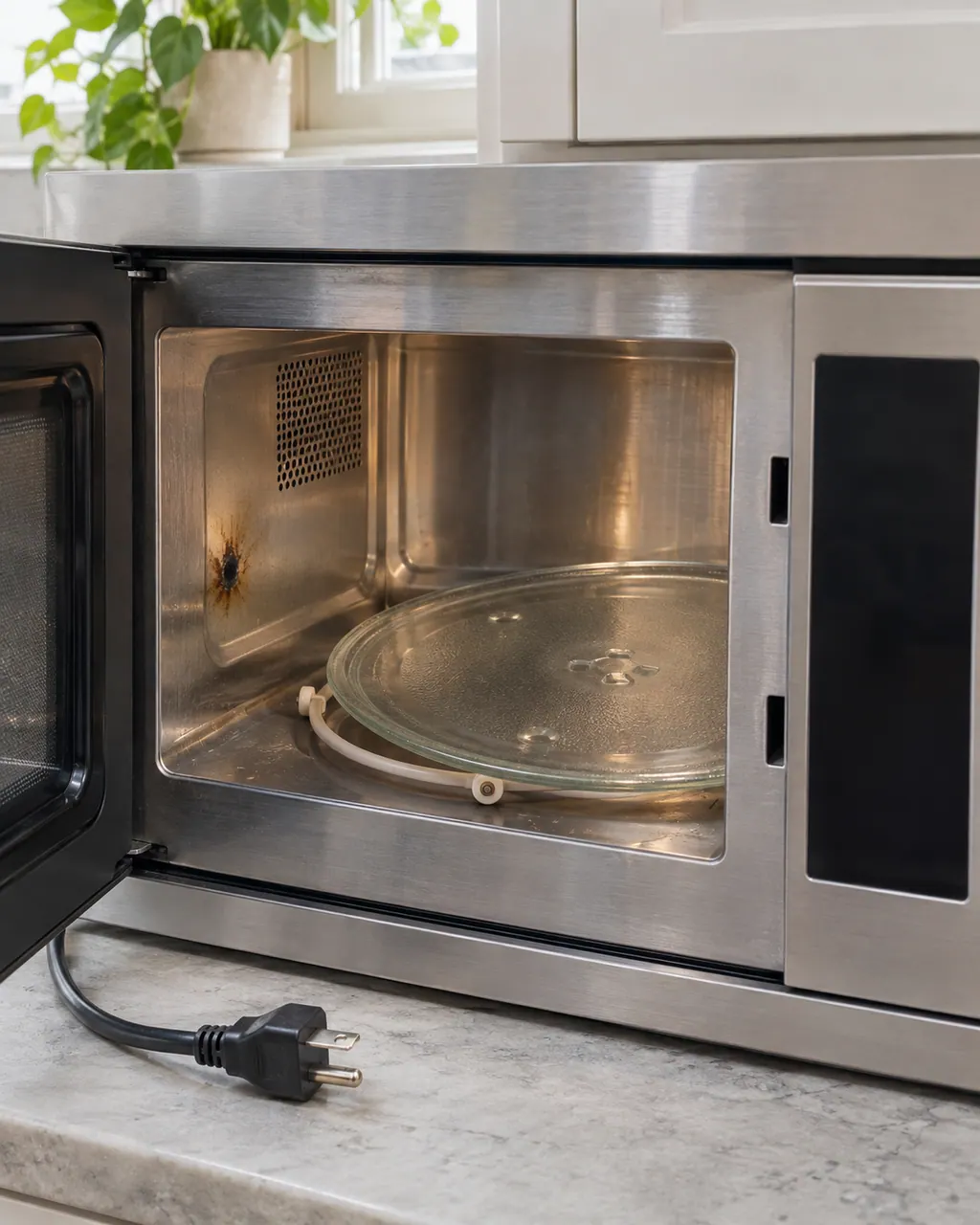
Bosch speed oven microwave sparking or noisy turntable
Sparks or arcing in a Bosch speed oven mean metal in the cavity or foil too close to the walls. A turntable that rattles or sticks needs the underside of the tray and the cavity bottom cleaned and the tray reseated.
Owner care, within the model instructions.
Switch off and unplug before any check you do yourself. Watch for pooled water and sharp debris. Never touch a wet plug or an electrical area, take off a service panel or go beyond your model’s owner instructions.
- 1
Wipe the panel dry
Dry the control panel with a cloth.
- 2
Cut the power
Disconnect the appliance from power, as the manual says, and reconnect.
- 3
Check the panel lock
On the drawer microwave, if touch controls will not operate, the panel lock may be on. LOCK ON clears by holding number 5 for 3 seconds.
Cleaning or replacement?
Leave internal testing to a technician.
E-11 returns after a dry panel and a reset.
Keys respond only sometimes.
The display flashes after the power cut and does not settle.
Arrange a diagnosticSee the neighboring components.
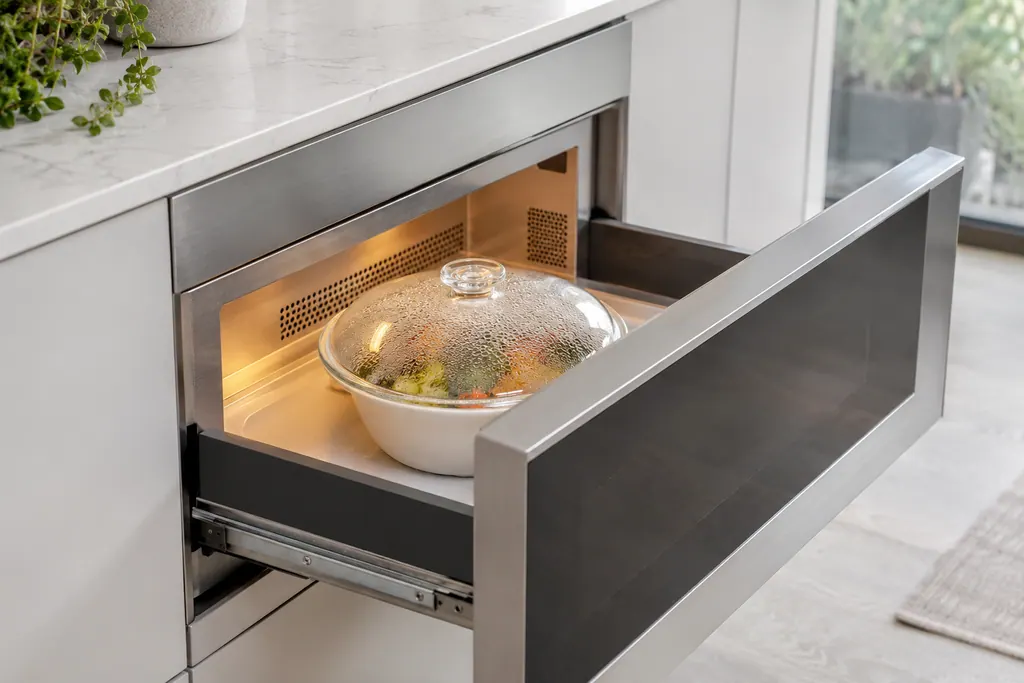
Microwave vapor sensor
The vapor sensor is a semiconductor sensor that detects steam from food and sets time and power. When it does not detect vapor, the Bosch drawer microwave shows ERROR: touch stop/clear and cook by hand, the manual advises.
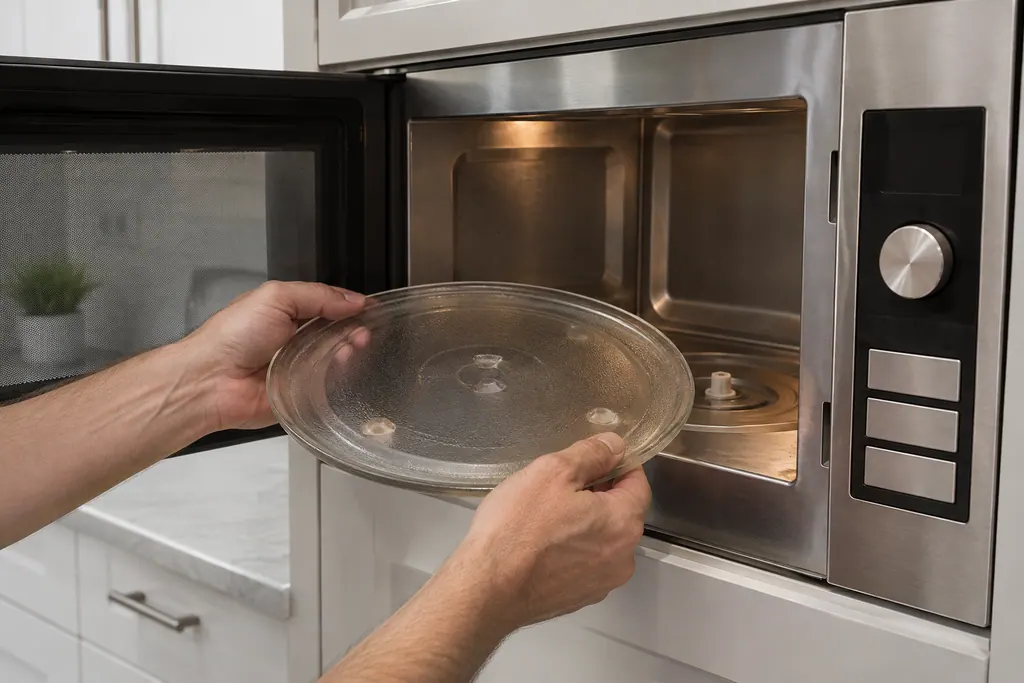
Microwave turntable
The metal tray turntable on a Bosch built-in convection microwave must sit straight on its carrier and turn freely. The manual says not to run the oven without it, and to clean the underside and cavity bottom if it makes noise or sticks.
Sources and model boundaries.
These are the sources behind the Microwave touch keypad guidance. Pick the manual for your own model.
- Built-In Convection Microwave Oven (Speed Oven) Use and Care Manual, 500 SERIES HMC54151UC
- Drawer Microwave Use and Care Manual, Models: HMD8454UC HMD8054UC
- Oven & Microwave | Error Codes | Bosch
Open the instructions that match your exact model. See how we research these pages.
What is E-11 on a Bosch microwave?
The touch keys are not working properly, and the manual suggests condensation on the pad as a possible reason.
What is the first step?
Wipe the panel dry, then disconnect the appliance and connect it again.
What if the drawer microwave is locked?
The panel lock may be on. The manual covers how to unlock it.
What does the display say after a power cut?
On the drawer microwave, touch stop/clear and set the clock again.
Bosch E-codes, symptoms, parts, repair visits
From the message to the step after it.
E-11
E-11 on a Bosch built-in convection microwave means the touch keys are not operating properly, possibly from condensation on the keypad. Clean the panel with a dry cloth, switch off the fuse for 10 seconds, then restore it.
Bosch drawer microwave not heating or not operating
A drawer microwave that does not operate or heat has a four-item checklist in Bosch's manual: a loose power cord, an outage, a breaker or fuse that quit, and demo mode. Wrong control settings are the extra cause for no heat.
Microwave repair
Arrange a diagnostic for your exact model, carried out at the appliance.
Find your metro
Office details, plus the access information to send us.