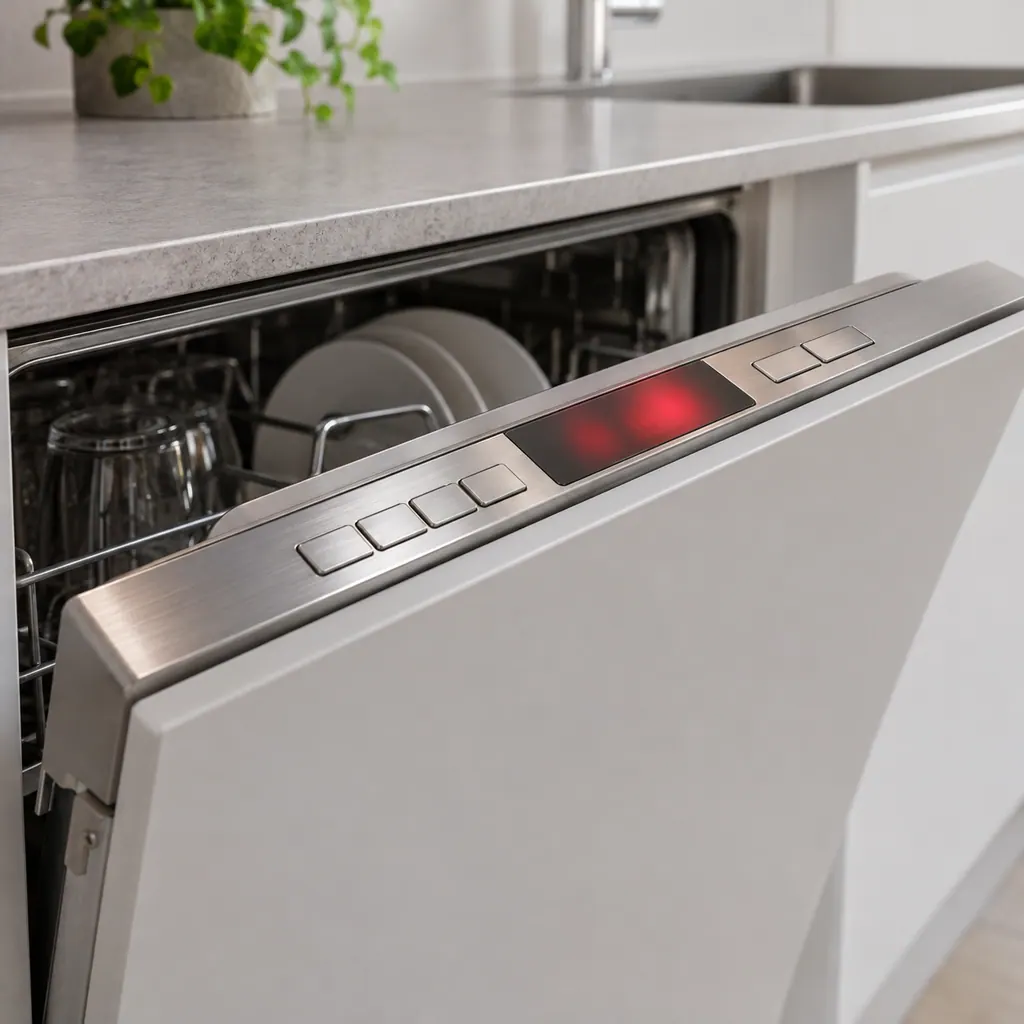
Bosch induction slide-in ranges show F5 as a heat message from the cooktop part. Something hot sits next to the touch panel. Move it away, pause a few seconds and tap a key; cooking continues once the electronics are cool. A blinking power level means a warning only.
Bosch induction slide-in ranges show F5 as a heat message from the cooktop part. Something hot sits next to the touch panel. Move it away, pause a few seconds and tap a key; cooking continues once the electronics are cool. A blinking power level means a warning only.
Bosch Slide-in Range Error Codes | Support | Error Codes
What Bosch range F5 means.
What it means
Bosch induction slide-in ranges show F5 as a heat message from the cooktop part. Something hot sits next to the touch panel. Move it away, pause a few seconds and tap a key; cooking continues once the electronics are cool. A blinking power level means a warning only.
What you can safely check
Check the front edge for a pot, kettle or pan resting against the touch panel.
When to call a technician
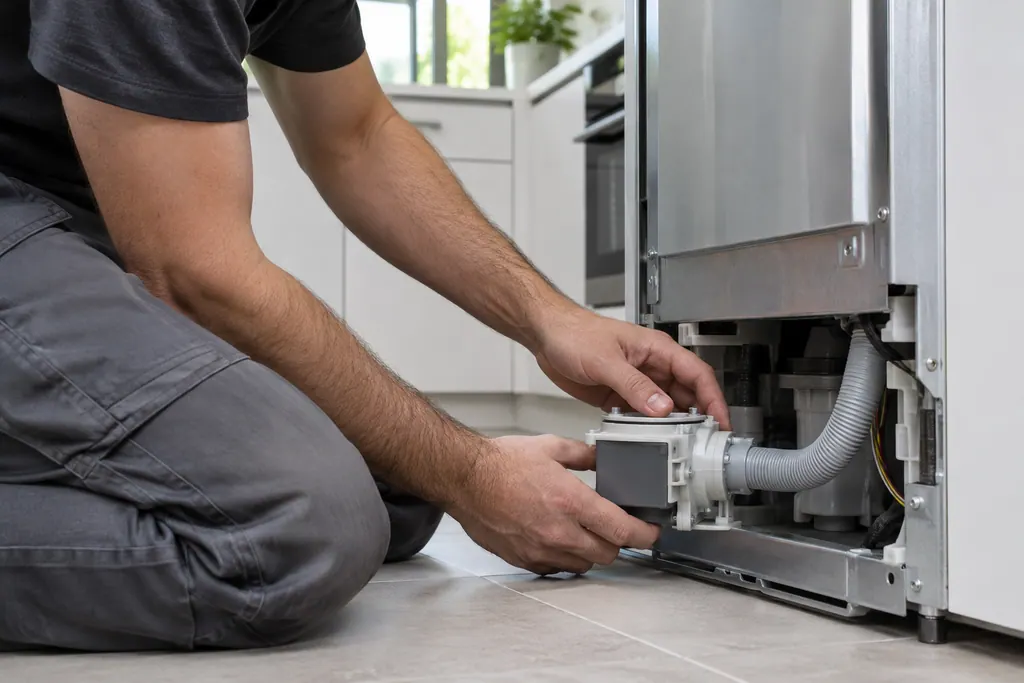
F5 reappears while nothing hot is close to the touch panel.
Your Bosch checklist stays on this device
Safe checks, in order.
0 of 4 checks done
Illustration. Follow your model’s instructions.
Before you begin
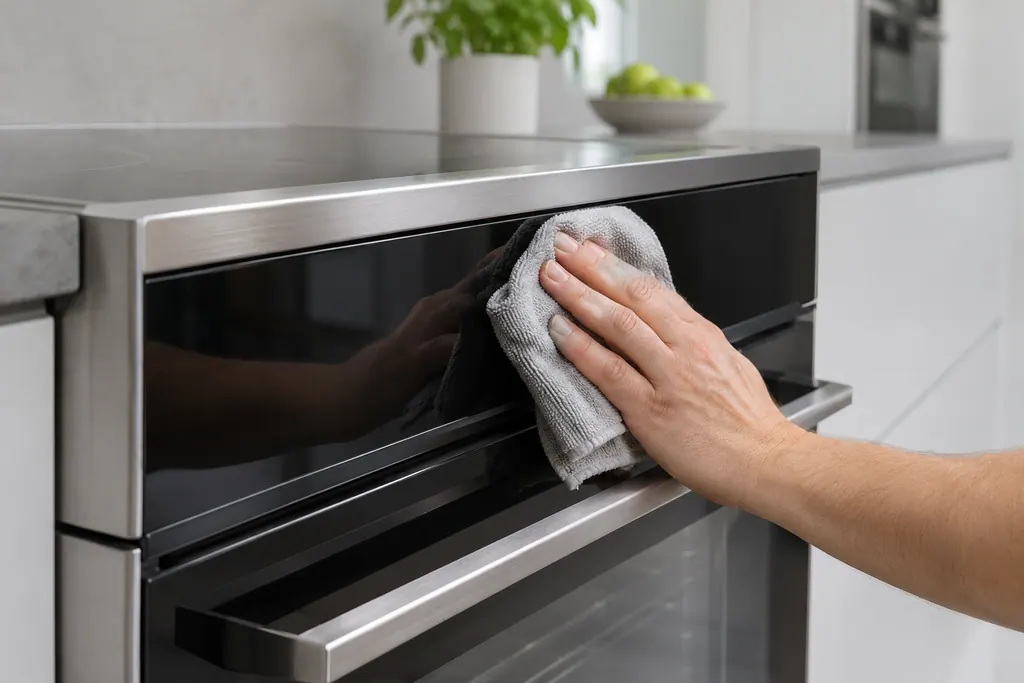
Scan the front of the cooktop
Check the front edge for a pot, kettle or pan resting against the touch panel.
Illustration. Follow your model’s instructions.
Check 2
Lift or slide it clear
When the power digit blinks beside F5 with a tone, Bosch says removing the cookware is all it needs.
Illustration. Follow your model’s instructions.
Check 3
Pause, then tap a key
If a zone shut off, tapping a key after the wait clears F5 as soon as the electronics are cool enough.
Illustration. Follow your model’s instructions.
Check 4
Restart on a rear zone
Cooking farther from the panel keeps the heat of a wide base away from the sensors.
F5 still on the display?
Send us the model and the checks you have run, then start your request right here.