Start from the symptom
Bosch range or cooktop won't heat with dE on the display.
A dE message on a Bosch induction slide-in range or cooktop means demo mode is on, and the cooking zones do not heat. Bosch's support page says to switch off the breaker for 30 seconds and touch any control within 3 minutes. The NIT8661UC manual says to set demo mode to off under the basic settings. The two sources differ.
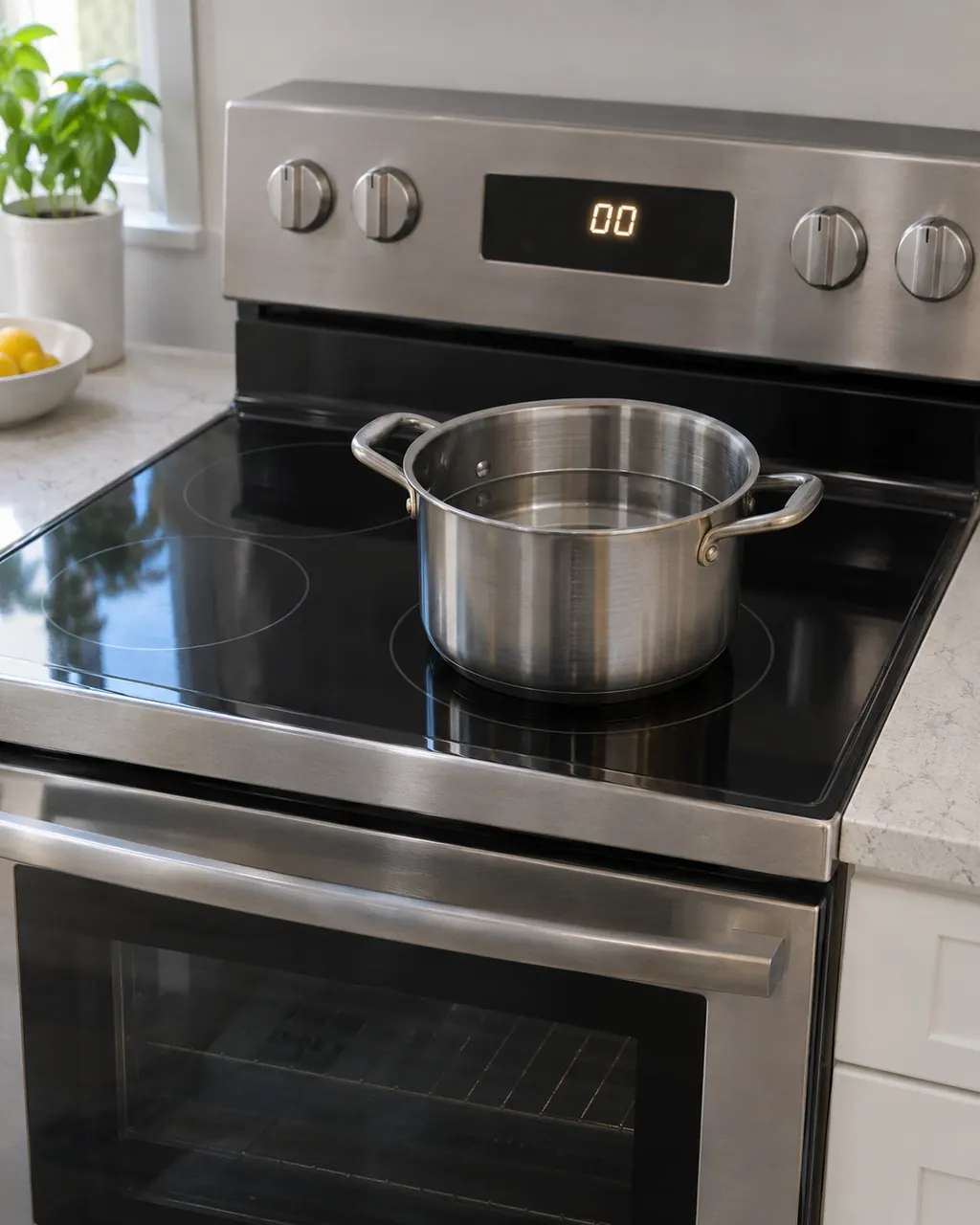
Start with safe observations.
Switch off and unplug before any check you do yourself. Watch for pooled water and sharp debris. Never touch a wet plug or an electrical area, take off a service panel or go beyond your model’s owner instructions.
- 1
Confirm what shows
Look for dE on the display with cold zones. A different message, like E9000 or a flashing F, needs different steps.
- 2
Try Bosch's breaker reset
Switch off the breaker or fuse for the appliance for 30 seconds, restore power, and touch any control within the next 3 minutes.
- 3
Use the basic settings
On the NIT8661UC cooktop, demo mode is a basic setting. With the cooktop off, switch it on, then touch and hold the key the manual shows for 4 seconds within 10 seconds.
- 4
Switch demo mode off
In the basic settings, change demo mode from on to off, as the manual lists. The zones should heat afterward.
- 5
Watch the supply voltage
If a voltage message shows instead, Bosch says the supply is outside the normal range. That is an electrical question, not a settings one.
Systems a technician may investigate.
Parts are discussed only after the range has been tested in your kitchen. The price is given up front, and an order needs your approval.
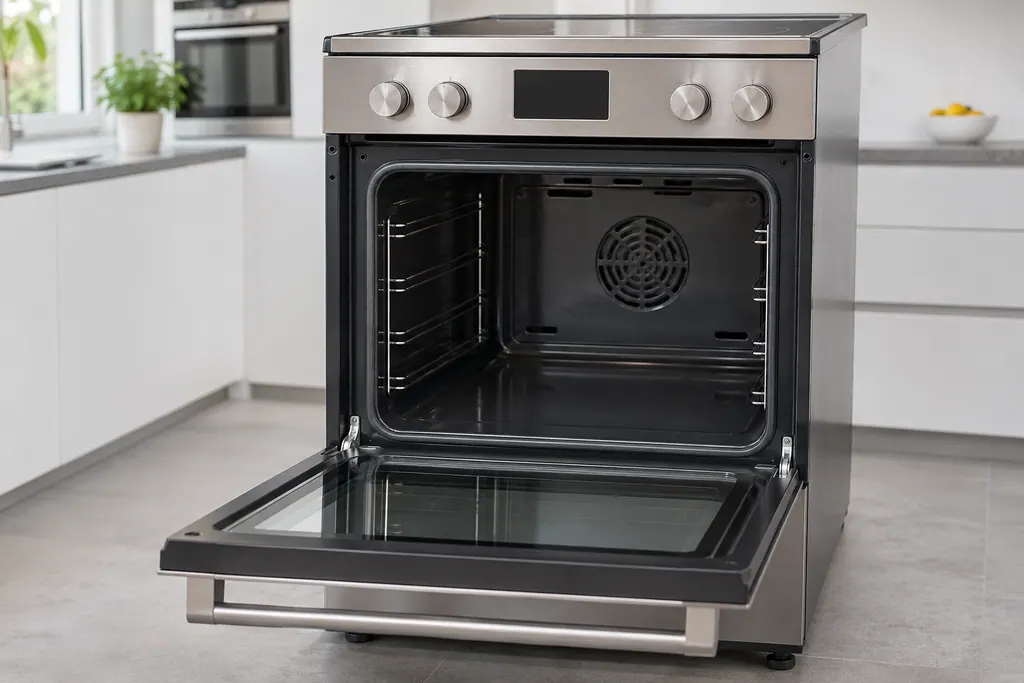
Range temperature sensor
The temperature sensor is the part Bosch's freestanding range page names for e101: it is malfunctioning. Bosch has you confirm that the power cord wire colors match those on the appliance, then switch the range off at the circuit breaker for five minutes. If e101 returns, book a visit.
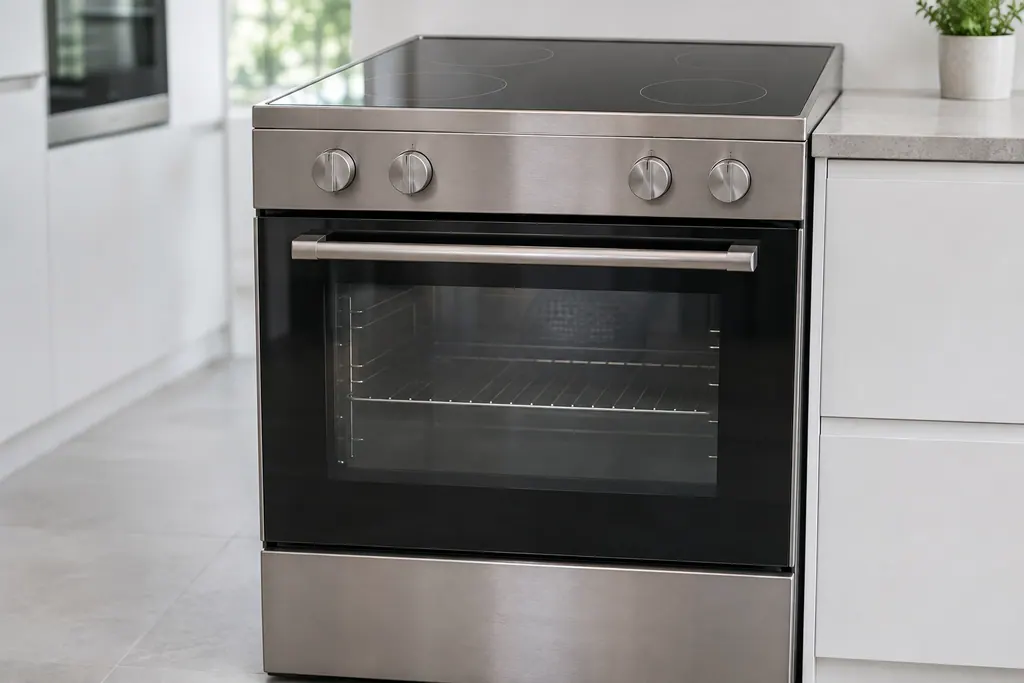
Range door lock
The door lock is the part Bosch's freestanding range page names for e126: it is malfunctioning during a Self Clean cycle. Bosch says to cancel Self Clean, wait until the door unlocks, and start Self Clean again. If the problem persists, book a visit.
If the display adds a code.
Power supply
E9000 on a Bosch induction slide-in range means the supply voltage is incorrect and outside the normal operating range. Contact your electrical utility provider, or book a visit once the supply has been checked.
Power supply
E9010 on a Bosch induction slide-in range shares an entry with E9000: the supply voltage is incorrect and outside the normal operating range. Contact your electrical utility provider, then book a visit if E9010 persists.
Care for it the way this appliance’s own instructions describe.
When observation becomes a service request.
Leave internal testing to a technician.
dE returns after the breaker reset and after the basic settings change.
E9000, E9010 or another number shows.
The zones stay cold with no demo message.
You smell burning, or the breaker trips when the range is on.
Arrange a diagnosticSources and model boundaries.
These are the sources behind the Bosch range or cooktop won't heat with dE on the display guidance. Pick the manual for your own model.
- Bosch Slide-in Range Error Codes | Support | Error Codes
- Bosch Dishwasher Error Codes: Troubleshooting Guide | Bosch
- Induction cooktop NIT8661UC [en-us] Use and Care Manual
- Induction cooktop NIT8661UC [en-us] Use and Care Manual
Open the instructions that match your exact model. See how we research these pages.
Why won't my Bosch induction range heat but the display lights?
If it shows dE, Bosch says demo mode has been activated. In demo mode the display works but the cooking zones do not heat. It is a setting, not a broken element.
How do I get a Bosch cooktop out of demo mode?
Bosch's support page: cut power at the breaker for 30 seconds, then touch any control within 3 minutes. The NIT8661UC manual instead says to set demo mode to off under the basic settings.
Does this apply to gas ranges?
No. The sources we have cover induction slide-in ranges and cooktops. We found no Bosch gas range manual, so we do not claim steps for gas burners that will not light.
What if the breaker reset does nothing?
Try the basic settings route from the cooktop manual. If dE still returns or the zones stay cold, book a technician and tell us the model and the exact message.
Bosch E-codes, symptoms, parts, repair visits
From the message to the step after it.
dE (slide-in)
dE on a Bosch induction slide-in range means demo mode is on, so the cooking zones do not heat. Switch the breaker or fuse off for 30 seconds, then touch any control on the appliance within the next 3 minutes.
Bosch range or cooktop won't heat with dE on the display
A dE message on a Bosch induction slide-in range or cooktop means demo mode is on, and the cooking zones do not heat. Bosch's support page says to switch off the breaker for 30 seconds and touch any control within 3 minutes. The NIT8661UC manual says to set demo mode to off under the basic settings. The two sources differ.
Range repair
Arrange a diagnostic for your exact model, carried out at the appliance.
Find your metro
Office details, plus the access information to send us.