Inside the appliance
Cooktop touch control panel. In plain English.
The touch control panel is where you set the zones. Bosch lists three panel states that are not failures: all indicators flashing means the panel is wet or covered, a panel lock can switch on by accident, and dE means demo mode (a reset puts it right).
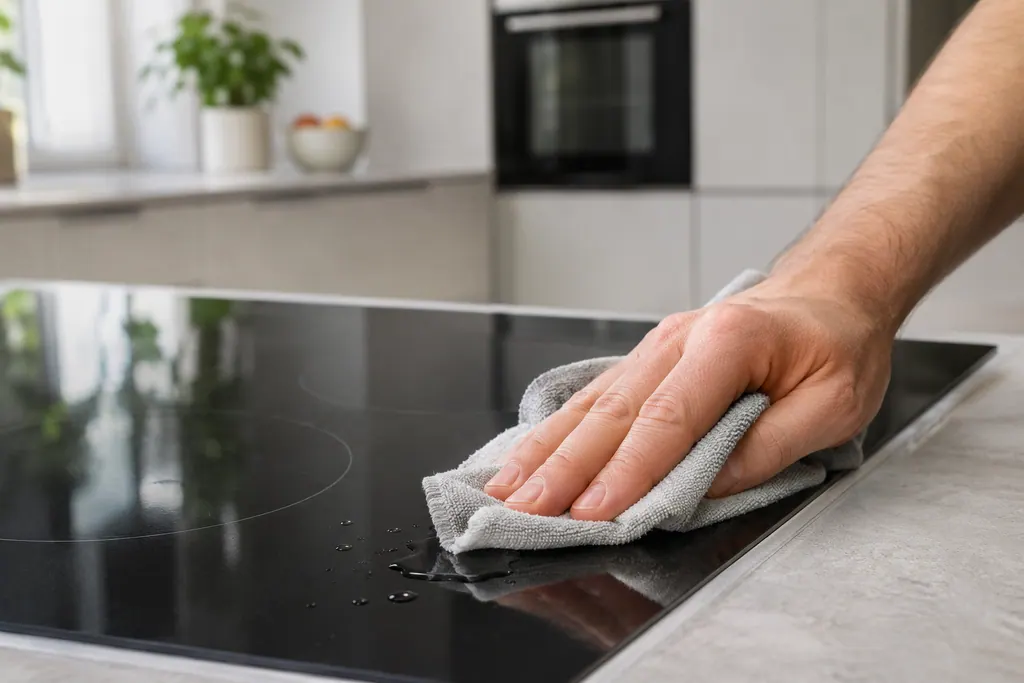
Where it fits.
Cooktop touch control panel in the appliance
On the glass surface, along the front edge.
The photo is an example of this kind of component. It does not tell you which replacement suits your model.
What shifts when this system needs attention.
Cooktop touch control panel concerns can show up with a drop in performance or a code that keeps returning. Testing comes before deciding whether the component is to blame.
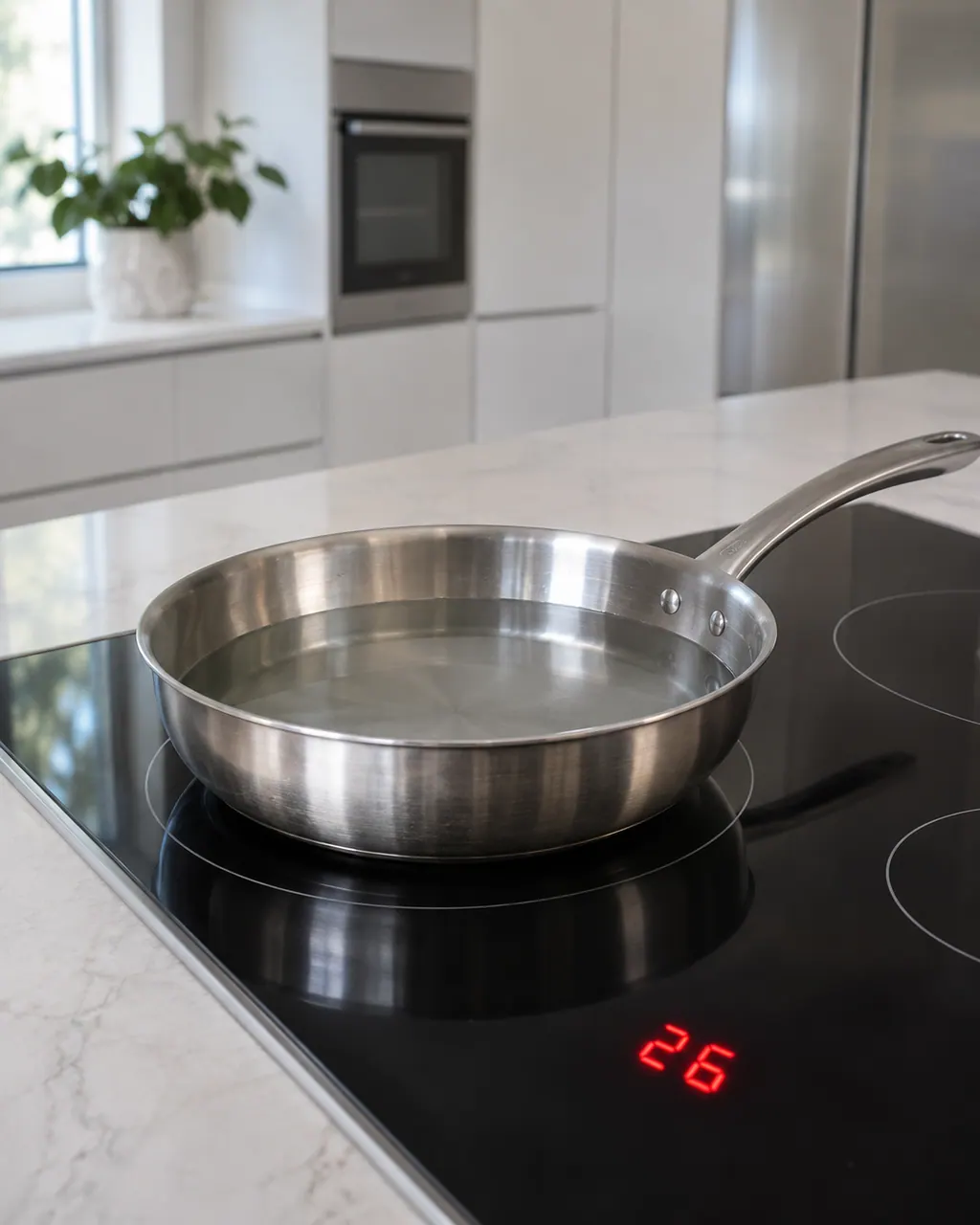
Owner care, within the model instructions.
Switch off and unplug before any check you do yourself. Watch for pooled water and sharp debris. Never touch a wet plug or an electrical area, take off a service panel or go beyond your model’s owner instructions.
- 1
Dry the panel
All indicators flashing means a wet panel or an object on it. Dry it or remove the object.
- 2
Hold the lock key
For a panel lock, touch the clean lock/child lock key for 4 seconds.
- 3
Clear demo mode
dE: isolate the cooktop for 30 seconds, then touch any control inside 3 minutes.
Cleaning or replacement?
Leave internal testing to a technician.
The panel flashes with a dry, empty surface.
The lock key does nothing.
dE returns after a 30-second reset.
Arrange a diagnosticSee the neighboring components.
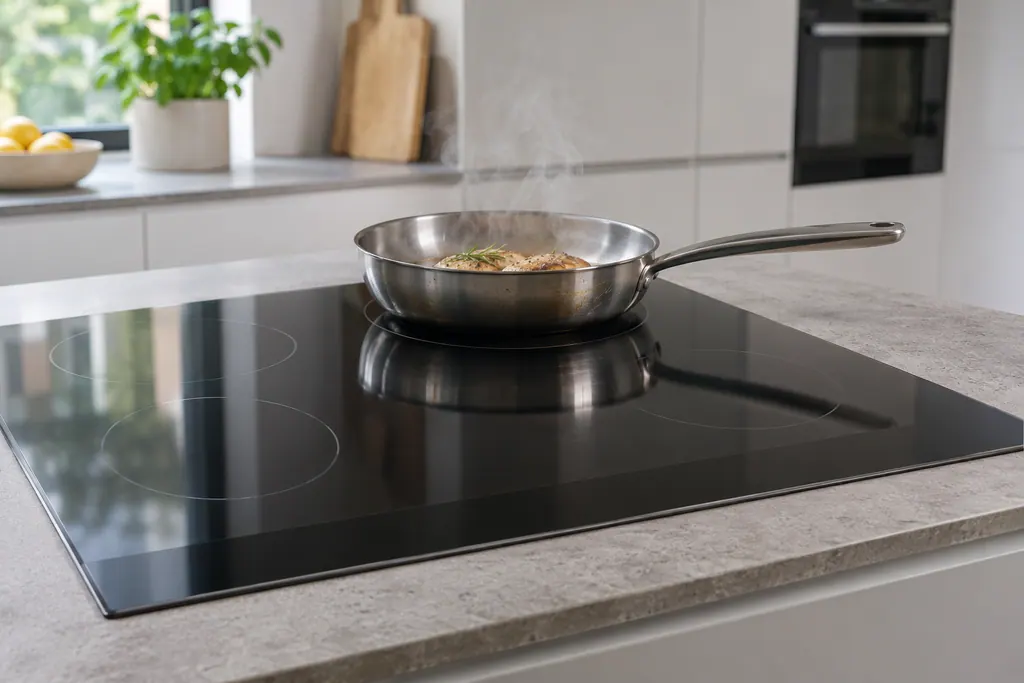
Cooktop electronics
The electronics sit under the glass and control the zones and the display. Bosch names them in F2, F4, E7015, E8207 and E8208 as overheated, and in F5 when hot cookware near the control panel risks overheating them.
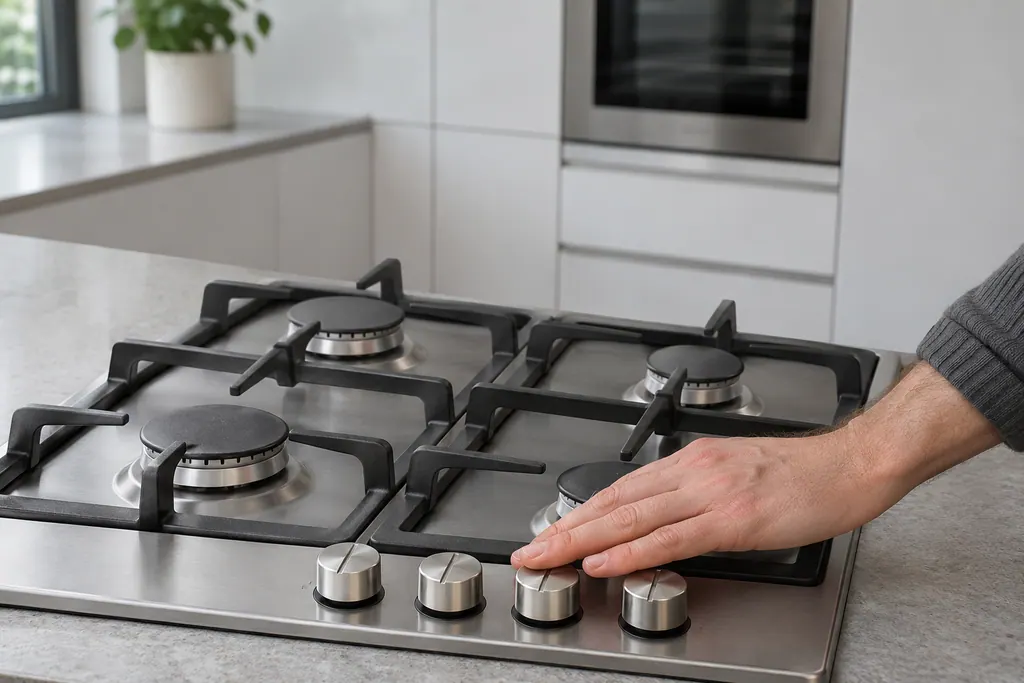
Cooktop gas ignition electronics
On a Bosch gas cooktop or rangetop, automatic ignition depends on the electronics. Bosch names F2, F4 or F5 with failed automatic ignition as overheated electronics, and E or F as an error that a power disconnect may clear.
Sources and model boundaries.
These are the sources behind the Cooktop touch control panel guidance. Pick the manual for your own model.
- Bosch Dishwasher Error Codes: Troubleshooting Guide | Bosch
Open the instructions that match your exact model. See how we research these pages.
Why are all indicators flashing?
Bosch says the control panel is wet or an object is covering it.
How do I lift a panel lock?
Touch the clean lock or child lock key for 4 seconds.
Can spills trigger the lock?
The Bosch page says the panel lock may activate by accident from spills, overflow or objects on the touch key.
What is dE?
Demo mode. The zones do not heat until you reset it.
Bosch E-codes, symptoms, parts, repair visits
From the message to the step after it.
dE
dE on a Bosch induction cooktop means demo mode is on, so the cooking zones will not heat. Switch the breaker off for 30 seconds, then touch any control on the cooktop within the next 3 minutes.
Bosch induction cooktop zones will not heat
Zones that stay cold on a Bosch induction cooktop usually trace back to one of five states: demo mode (dE), the automatic time limit (F8 with H or h), a locked panel, a damp or covered panel, or cookware the zone cannot use. Each has a quick release.
Cooktop repair
Arrange a diagnostic for your exact model, carried out at the appliance.
Find your metro
Office details, plus the access information to send us.