Inside the appliance
Dryer lint screen. In plain English.
The lint screen catches lint during drying. On the Bosch WQB245B0UC it is a two-part screen inside the door, and the display shows a notice when it needs cleaning. The CArE message also appears when the lint screen is soiled.
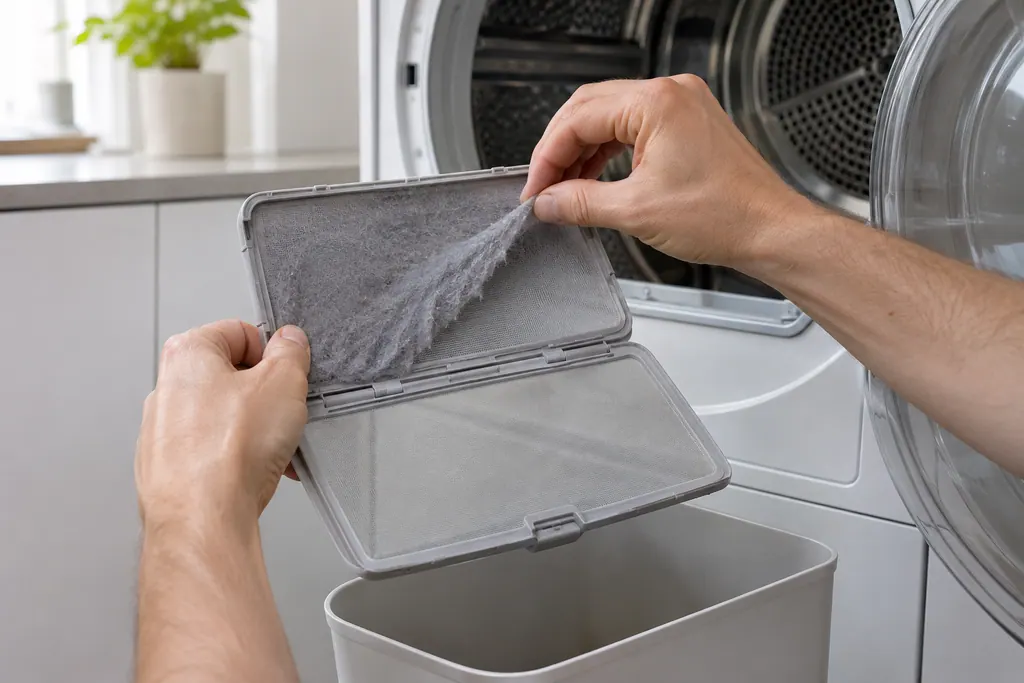
Where it fits.
Dryer lint screen in the appliance
Inside the dryer door opening, as a two-part screen on the door side.
The photo is an example of this kind of component. It does not tell you which replacement suits your model.
What shifts when this system needs attention.
Dryer lint screen concerns can show up with a drop in performance or a code that keeps returning. Testing comes before deciding whether the component is to blame.
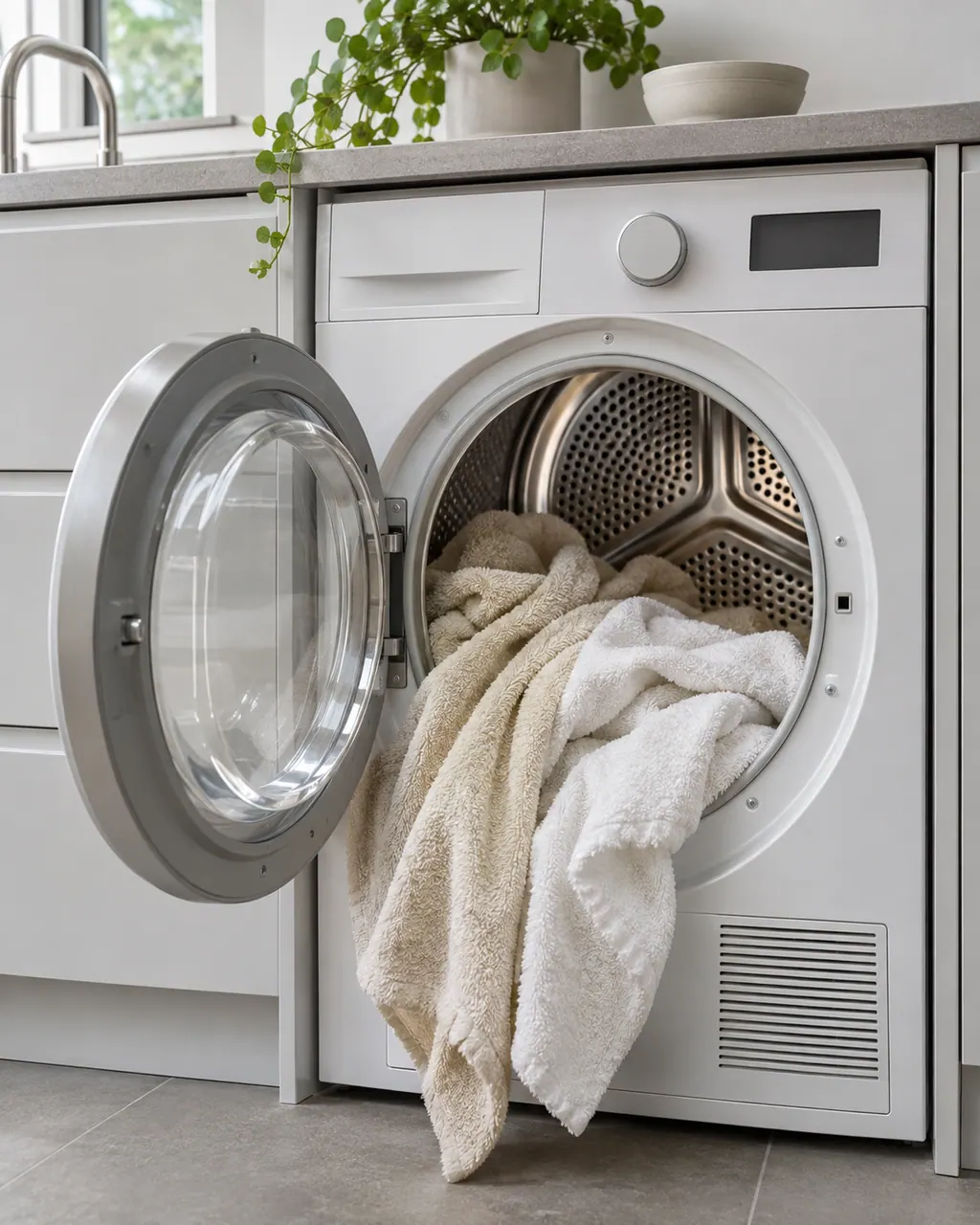
Owner care, within the model instructions.
Switch off and unplug before any check you do yourself. Watch for pooled water and sharp debris. Never touch a wet plug or an electrical area, take off a service panel or go beyond your model’s owner instructions.
- 1
Open the door and wipe lint from the door
Remove the lint from the inside of the door first, as the manual directs.
- 2
Take out both parts
Remove the two-part lint screen one part at a time, open both screens and lift off the lint.
- 3
Rinse and dry
Clean both screens under warm running water and dry them off before you put them together.
- 4
Dispose of the lint
The manual asks you to throw the lint away with household waste.
Cleaning or replacement?
Leave internal testing to a technician.
The notice returns right after a clean screen.
The screen is torn or does not seat.
Clothes stay damp even with clean screens.
Arrange a diagnosticSee the neighboring components.
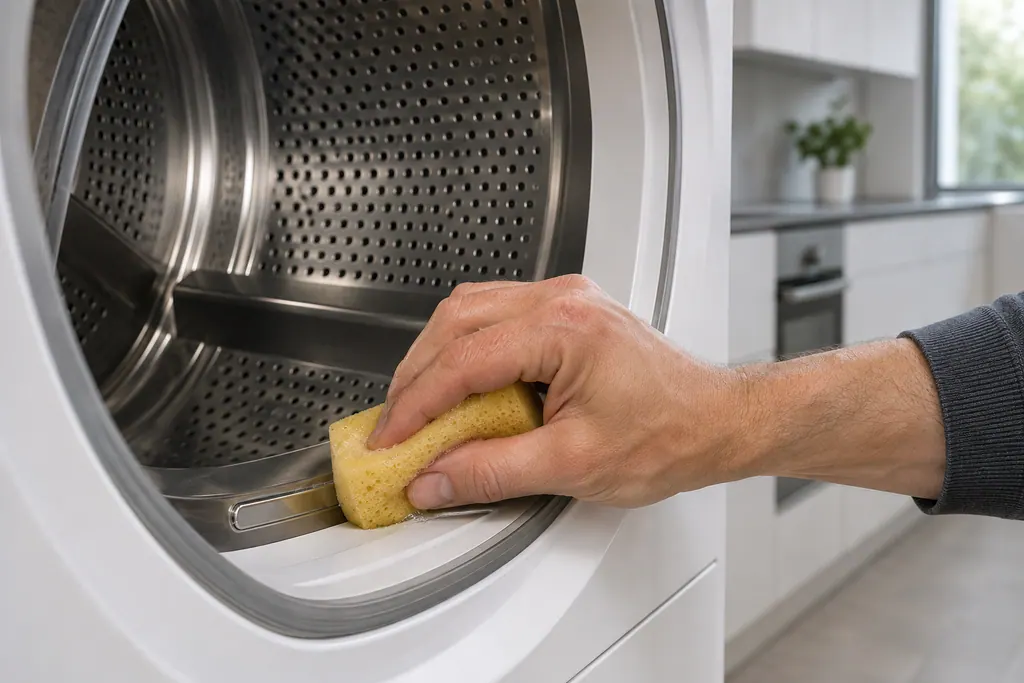
Dryer moisture sensor
The moisture sensor measures how damp the laundry is and lets the automatic programs change their length. On the Bosch WQB245B0UC, limescale and detergent residue can build up on it, so the manual tells you to sponge it clean.
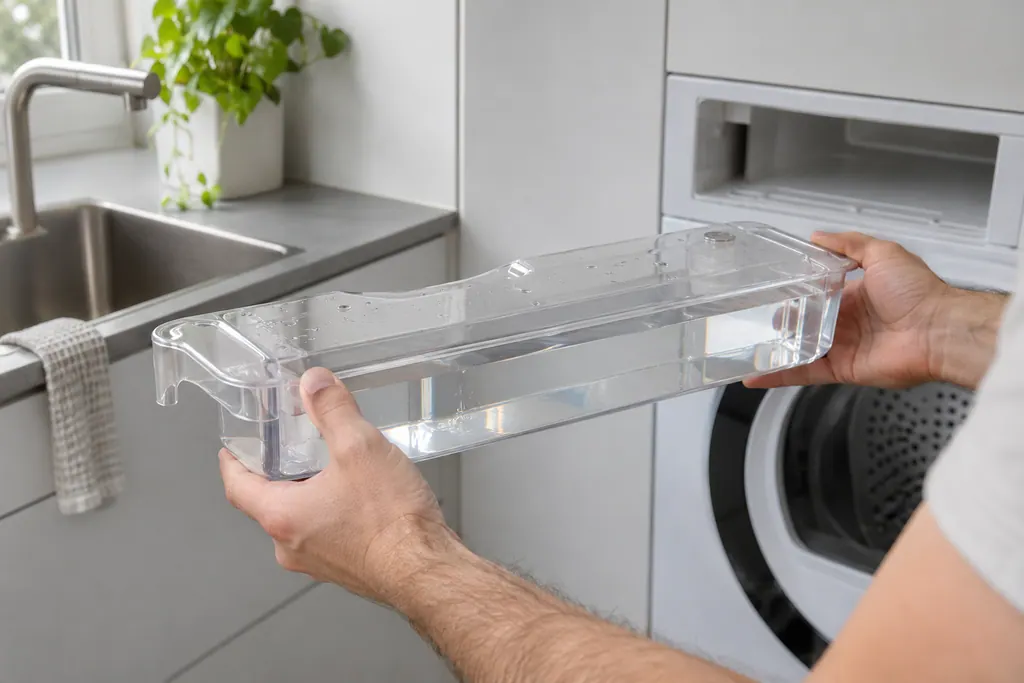
Dryer condensation container and filter
A Bosch dryer connected to its condensation container collects the water from drying there. The WQB245B0UC manual asks you to empty it when the display says so, and to check the filter inside it, which needs cleaning when dirty.
Sources and model boundaries.
These are the sources behind the Dryer lint screen guidance. Pick the manual for your own model.
- Tumble dryer WQB245B0UC [en-us] User manual and installation instructions
Open the instructions that match your exact model. See how we research these pages.
How often is the lint screen cleaned?
After the drying program ends, or whenever the display shows its notice during a run.
What if I skip it?
The manual warns that the appliance may not work as it should if you do not clean it as described.
Does CArE mean the lint screen is bad?
CArE reminds you to run the basic care program, and the manual adds that it appears when the lint screen is soiled.
Can I wash the screen?
Yes. Rinse both parts under warm running water and dry them off before refitting.
Bosch E-codes, symptoms, parts, repair visits
From the message to the step after it.
CArE
"CArE" on a Bosch WQB245B0UC dryer asks you to run the basic appliance care program, or to clean a soiled lint screen. It is a prompt and nothing has failed. The care program runs for about 1 hour.
Bosch dryer not starting or shutting off early
The WQB245B0UC manual lists two reasons a program does not start: the control panel lock is on, or Finish in is set. A display that goes dark mid-cycle with the program ended points to energy-saving mode, a full condensation container, or a kinked or blocked water outlet hose. Hot with a turning drum is the cool-down, not a stop.
Dryer repair
Arrange a diagnostic for your exact model, carried out at the appliance.
Find your metro
Office details, plus the access information to send us.