On this page
How does a Bosch espresso machine tell me to descale?#
The display raises care messages and walks you through the cycle. Descaling is done with tablets made for the machine. Both manuals rule out pure citric acid, vinegar and descalers with phosphoric acid, and say unsuitable agents may damage the appliance. 12
Two Bosch use-and-care manuals sit behind this page: the 500 Series TPU40 fully automatic espresso machine and the 800 Series TPU6, plus one Bosch support entry. The two machines are close relatives, but not identical, and where they differ we say which manual we mean. If you own a different Bosch coffee machine, read your own manual first.
Bosch frames the cycles as ordinary maintenance. The 500 Series manual says the machine recommends a care cycle after certain intervals, and that a water filter lengthens the time until one is due. 1 The 800 Series manual says to use the cycles when a filter is inserted or removed, and when the machine tells you cleaning is due. 2
What happens if descaling is overdue?#
The 500 Series display shows a message that descaling is overdue and the appliance is locked. The manual says a locked machine can only be operated again once descaling has been carried out, and that delaying it may damage the machine. 1
Treat the message as a plain order, not a puzzle. There is no hidden reset: the manual's path out of the lock is the descaling cycle itself, and the text names the menu button held for three seconds. 1 The 800 Series manual repeats the same rule about a locked machine. 2
The overdue entry lists where each manual says this.
How do I run the descale cycle on a 500 Series?#
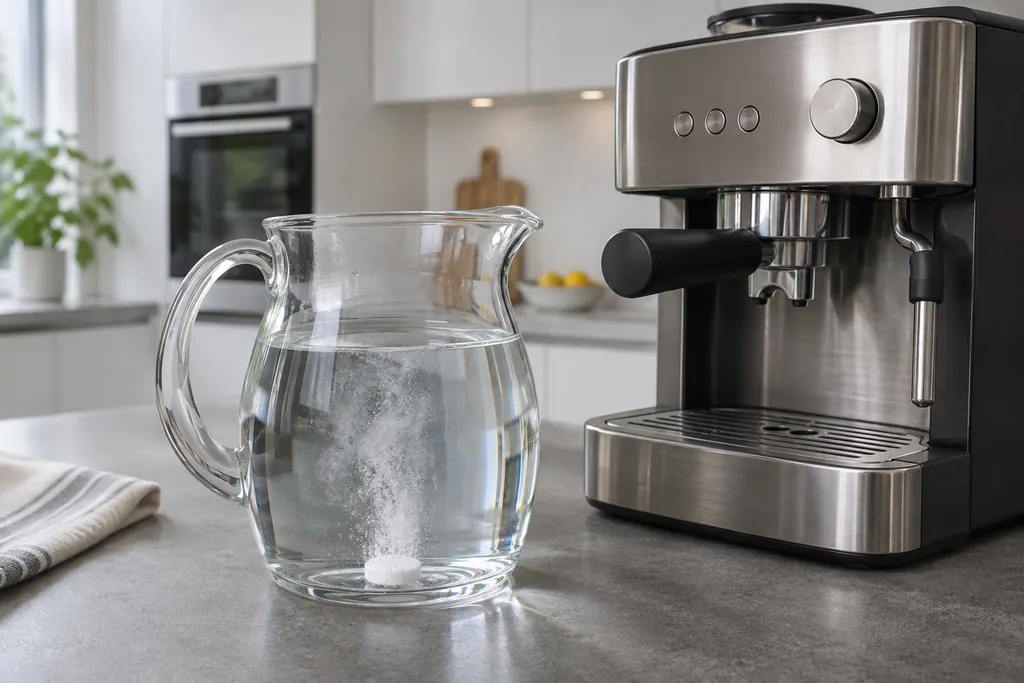
Clean the brewing unit first, prepare the solution, then pick Descale from the care menu and follow the display. The manual prepares it by stirring one descaling tablet into 16.9 oz (0.5 l) of lukewarm water until fully dissolved. 1
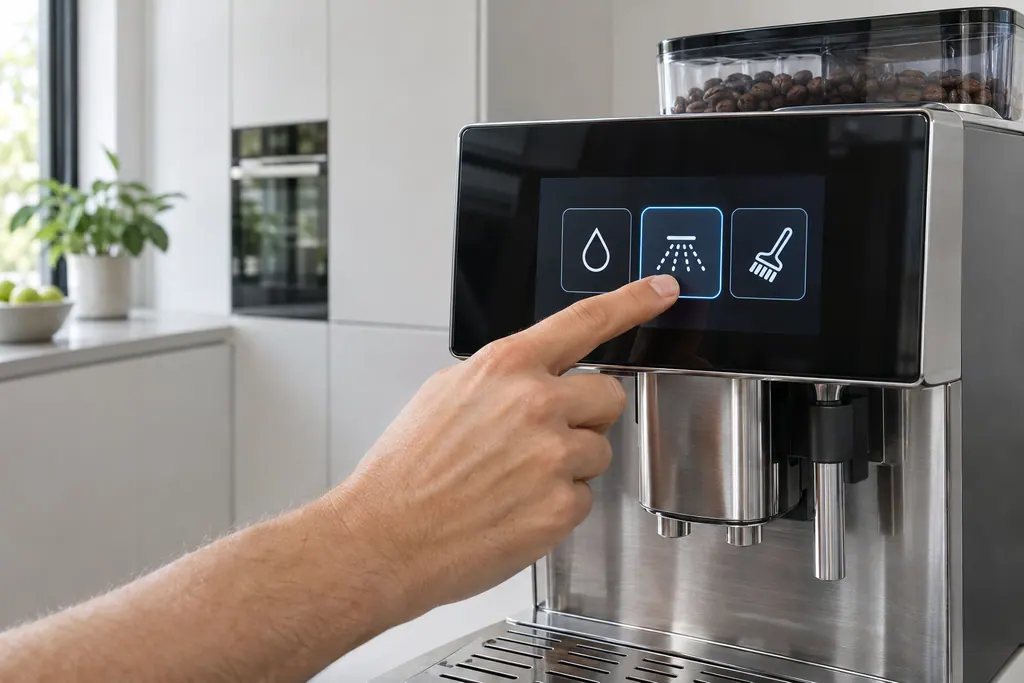
The steps below are the 500 Series route. The 800 Series manual tells you to press the care button and follow the display, and does not print a separate solution recipe on the pages we read, so use its display and the tablet pack. 2
- 1
- 2
- 3
- 4
- 5
Two limits are worth saying plainly. The manuals print no cycle length for the 500 Series pages we read, and we will not invent one. And a water filter reduces how often a cycle is needed, but it does not remove the need. 1
What is the safe way to rinse the brewing unit?#
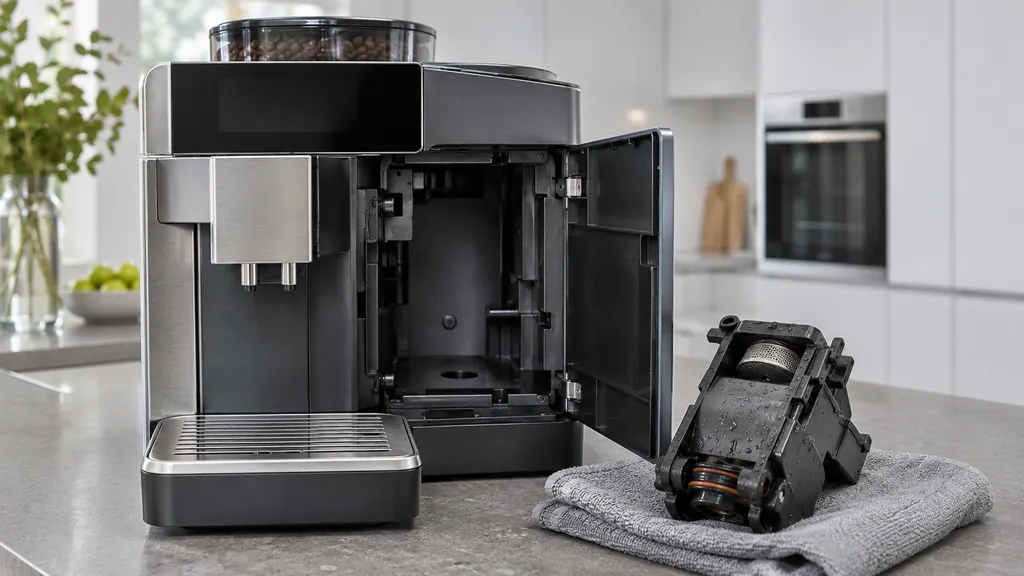
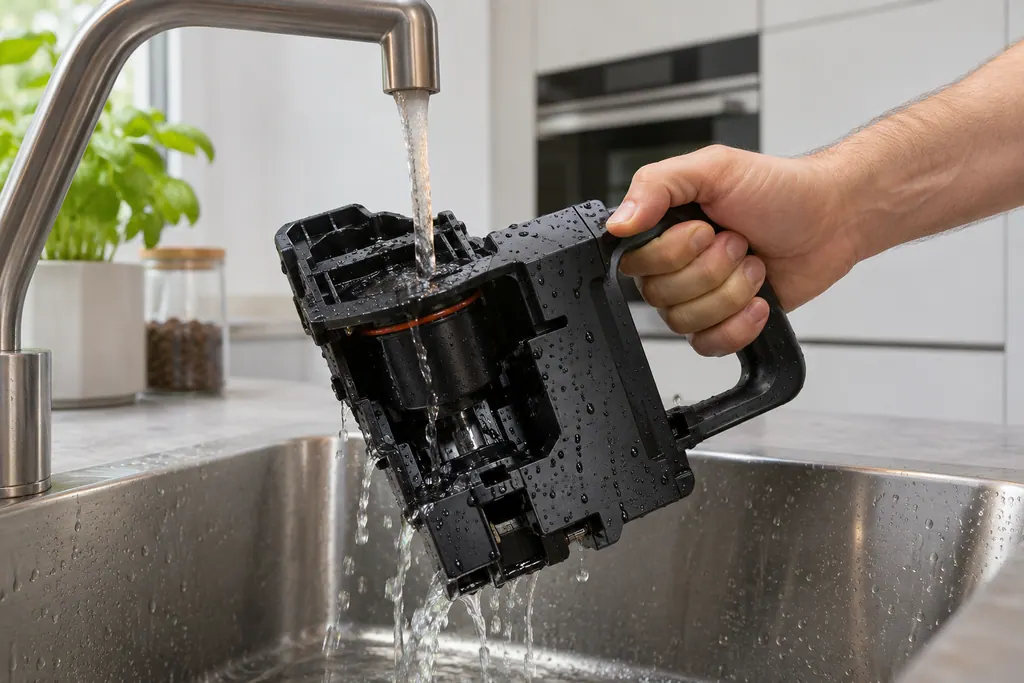
Rinse it by hand under warm running water. The 500 Series manual says no dish detergent, no cleaners with vinegar or acids, and not in the dishwasher. Remove the drip tray, open the chamber door, push the red lever up and pull the unit out by its handle. 1
That sequence comes from the 500 Series pages. The 800 Series manual lists the brewing unit under components that are not suitable for the dishwasher, and advises regular removal and cleaning in addition to automatic rinsing. 2
After rinsing, wipe the machine interior with a damp cloth to clear coffee residue, and leave both the unit and the interior to dry. To put the unit back, hold it by the handle, push the red lever up, slide it fully home until the lever clicks. The chamber door closes only if the unit and the drip tray are seated correctly. 1
Daily care is simpler. The manuals ask you to empty and clean the drip tray and the coffee dregs container every day to prevent deposits. 12
Which brewing unit and care messages mean what?#
Each message maps to one or two causes in the manuals, and most are cleared by cleaning, a refill, or finishing a cycle. Only a few ask for a restart, and a repeat after that is the point to book a visit. 123
| Display message | Cause the manual lists | What it says to do |
|---|---|---|
| Please clean brewing unit | Soiled unit, stiff mechanism; on the 500 Series, too much ground coffee | Clean the unit; no more than 2 level measuring spoons of ground coffee 13 |
| Please restart appliance | Unit heavily soiled or cannot be removed; or an error | Restart and clean the unit, or unplug for 60 seconds 3 |
| Please run Calc'nClean program! | Decalcified water still has some lime; wrong or too little agent; cycle not completed | New filter and hardness setting, suitable tablets, reset the cycle 23 |
| Voltage (V) incorrect | Power supply problem | Operate only at 120 V 3 |
| Error in water system | The appliance has an error | Unplug, wait one minute, plug in 2 |
If a cycle was interrupted, say by an outage, the 500 Series manual has a reset: empty the container, rinse the water tank, fill it with fresh, non-carbonated water to the max mark, run the roughly two-minute rinse, empty and clean the drip tray, then restart the cycle. 1
Bosch's support page adds one pattern: if the Fill Tank and Descale symbols flash together and you cannot prepare a drink, turn the machine off, wait 5 minutes and turn it back on. 4 See the flashing symbols entry for that.
When is it time to book a visit?#
Book when a message returns after you have done what the manual lists: the cycle finished, tablets used, brewing unit cleaned and seated, power cycled for a minute. A puddle under the machine is a visit by itself. 12
We are an independent repair service, separate from Bosch. If your machine is under the manufacturer's warranty, the manufacturer handles that repair. For anything else, book a technician and see the coffee machine service page.
Common questions about the care messages#
Water hardness is a setting that matters more than people expect. Both manuals' rows for a frequent Calc'nClean message name a new filter and a hardness setting that fits as the first things to do, so check both before you blame the machine. 23
Another common case is Please run Calc'nClean right after a cycle. The manuals do not call that a defect on its own. They list a half-finished cycle and unsuitable or too little descaling agent among the causes, so rule those out before booking. 23
Lastly, the hot parts. Both manuals warn that some parts of the appliance become very hot, and ask you to let them cool before touching. 12 Wait before pulling the unit out right after a drink.
Sources#
- Fully automatic espresso machine 500 Series TPU40... [en-us] Use and Care ManualBSH Home Appliances Corporation (Bosch US manual PDF, media3.bosch-home.com) · PDF created 15.09.2025; file tag _C (no printed edition date read) · PDF p26: cleaning agents; PDF p29-31: brewing unit cleaning; PDF p31-32: machine care cycles
- Fully automatic espresso machine 800 Series TPU6... [en-us] Use and Care ManualBSH Home Appliances Corporation (Bosch US manual PDF, media3.bosch-home.com) · PDF created 12.02.2024; file tag _A (no printed edition date read) · PDF p26-28: cleaning agents and machine care cycles; PDF p29, p33: troubleshooting
- Fully automatic espresso machine 500 Series TPU40... [en-us] Use and Care ManualBSH Home Appliances Corporation (Bosch US manual PDF, media3.bosch-home.com) · PDF created 15.09.2025; file tag _C (no printed edition date read) · PDF p32, p35: troubleshooting table (brewing unit, restart, voltage, Calc'n Clean)
- Countertop Espresso Machine | Error Codes | BoschRobert Bosch Hausgeraete GmbH / BSH Home Appliances (Bosch US owner-support page, bosch-home.com/us) · Undated web page; fetched 12.11.2026 · entry "Fill Tank Symbol and Descale Symbol flash simultaneously"