Start from the symptom
Bosch coffee machine gives water but no coffee.
A Bosch fully automatic espresso machine that pours only water, grinds nothing, or drips slowly has a handful of likely causes: empty or oily beans, a blocked coffee shaft, an overheated grinder, or a grind set too fine.
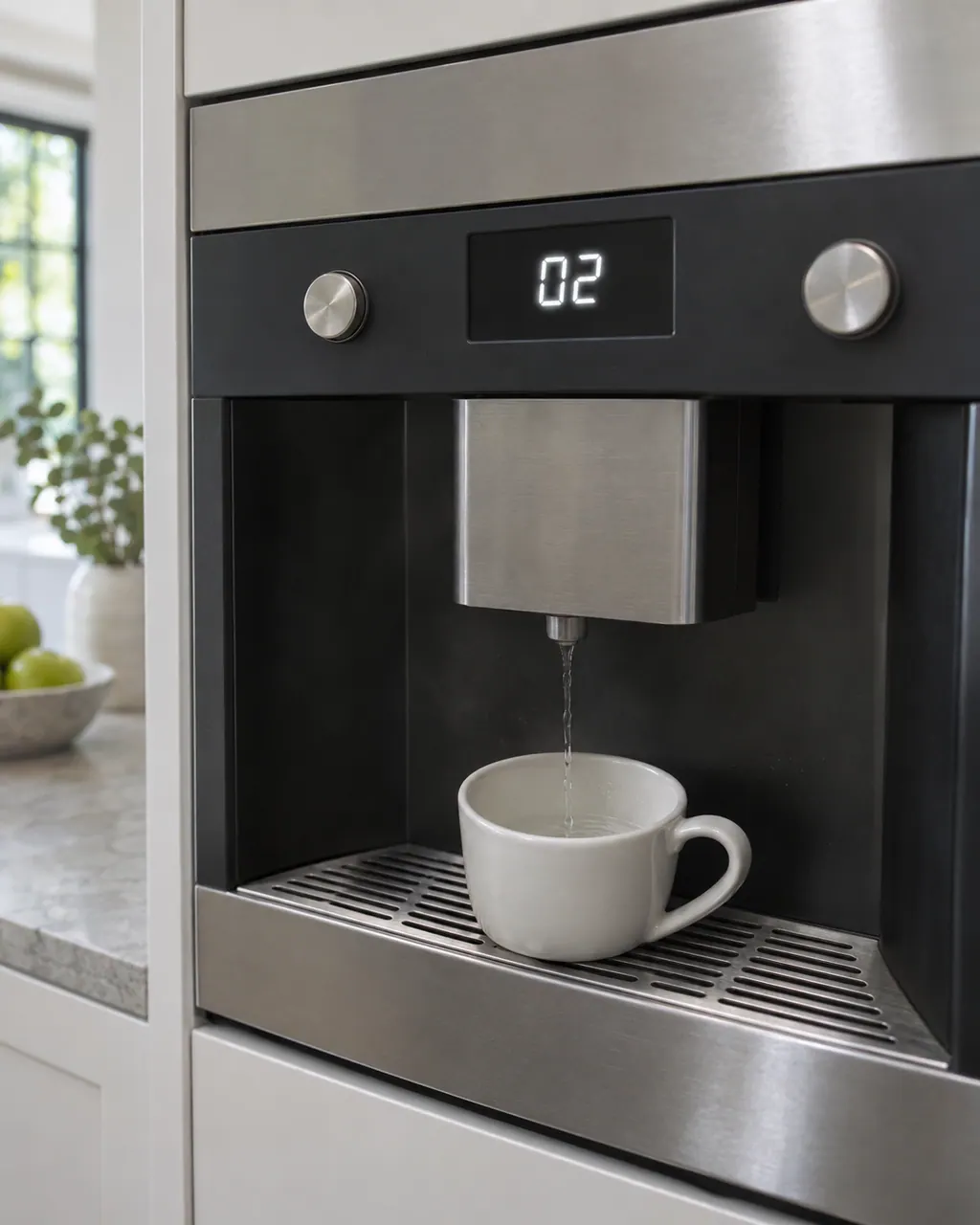
Start with safe observations.
Switch off and unplug before any check you do yourself. Watch for pooled water and sharp debris. Never touch a wet plug or an electrical area, take off a service panel or go beyond your model’s owner instructions.
- 1
Refill the bean container
An empty container is not always detected. Pour in beans, then try again.
- 2
Check for oily beans
Beans that are too oily may not fall into the grinder. Tap the container gently, switch coffee variety and wipe the empty container with a damp cloth.
- 3
Clean the brewing unit
A blocked coffee shaft on the brewing unit keeps coffee from dispensing. Clean the brewing unit.
- 4
Let a hot grinder rest
If the grinder will not start because the machine is too hot, unplug it and wait an hour.
- 5
Set a coarser grind
Grinding too finely slows the pour to a trickle or stops it, so choose a coarser level.
More about this symptom.
Why do I get hot water instead of coffee?#
Per the troubleshooting tables, the machine may not detect an empty bean container, or the coffee shaft on the brewing unit is blocked. Beans that are too oily can also fail to fall into the grinder. 12
How do I handle oily beans?#
Tap the bean container gently, switch to a different coffee variety, stop using oily beans, and wipe the empty container with a damp cloth before refilling. 12
What slows or weakens the pour?#
A fine grind slows coffee to a trickle. Limescale build-up, air in the water filter, a soiled brewing unit, or the strength set too high can leave the cup short. 34
When does the machine need a technician?#
If an hour of cooling, a clean brewing unit and a coarser grind change nothing, or the machine keeps asking for a restart, a technician should test the grinder and the water path. 23
Systems a technician may investigate.
These parts relate to the symptom. The observation alone does not show that any one of them has failed.
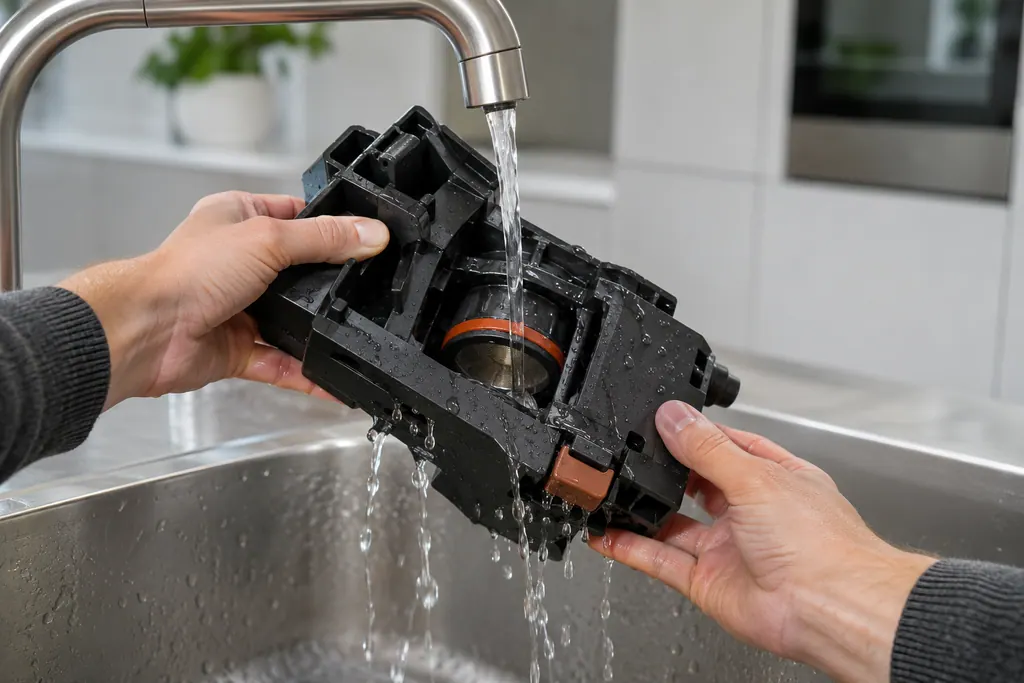
Coffee machine brewing unit
The brewing unit is the chamber you can lift out, where the coffee is pressed. Bosch says "Please clean brewing unit" appears when it is soiled, stiff or holds too much ground coffee, and that it must be rinsed under warm running water, never with detergent or in the dishwasher.
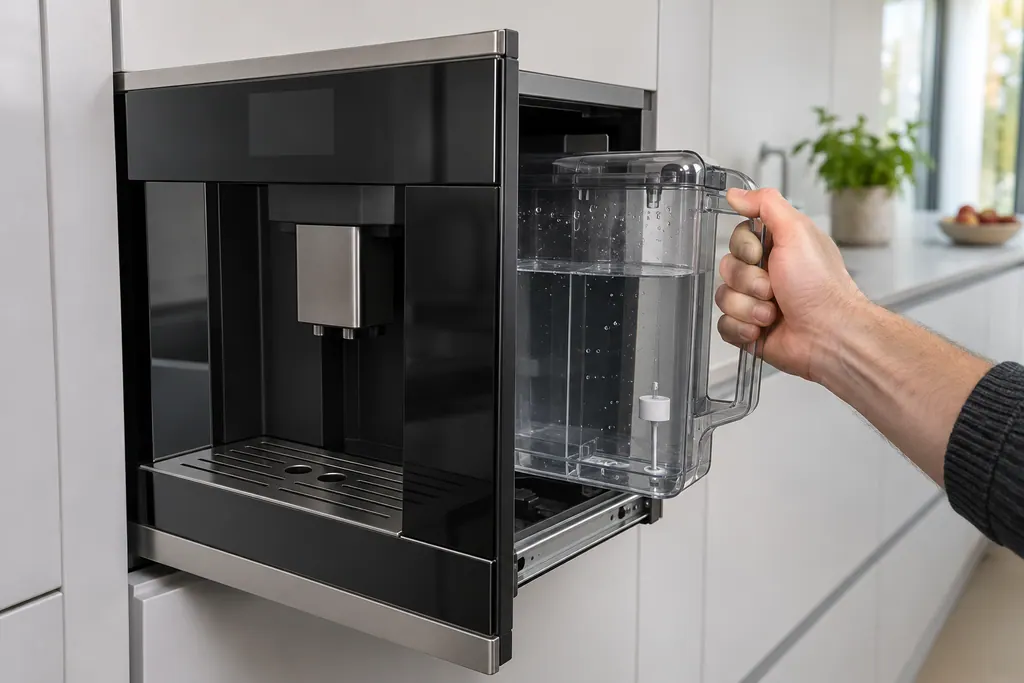
Coffee machine water tank
The water tank holds fresh water and has a float that tells the machine when it is low. Bosch says "Please fill the water tank" while the tank is full can come from a wrongly inserted tank, a stuck float, carbonated water or a new filter that was not rinsed.
If the display adds a code.
Read the related care guide.
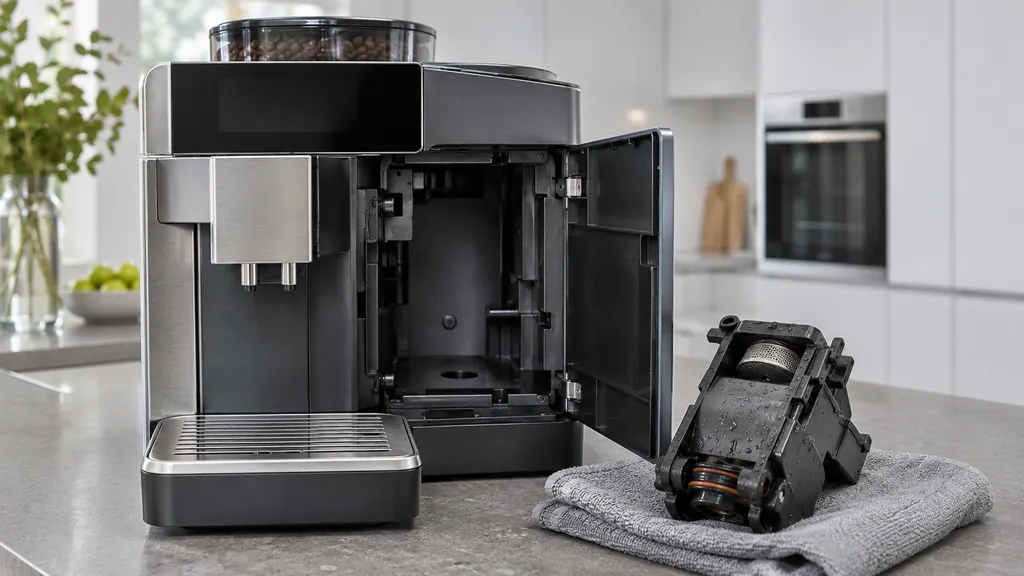
Descaling overdue? Tablets, not vinegar, and finish the cycle.
Bosch's espresso manuals ask for descaling with tablets made for the machine, never vinegar or pure citric acid, and for a regular rinse of the brewing unit under warm water without detergent. Locked or repeating messages are cleared by finishing the care cycle. [1][2]
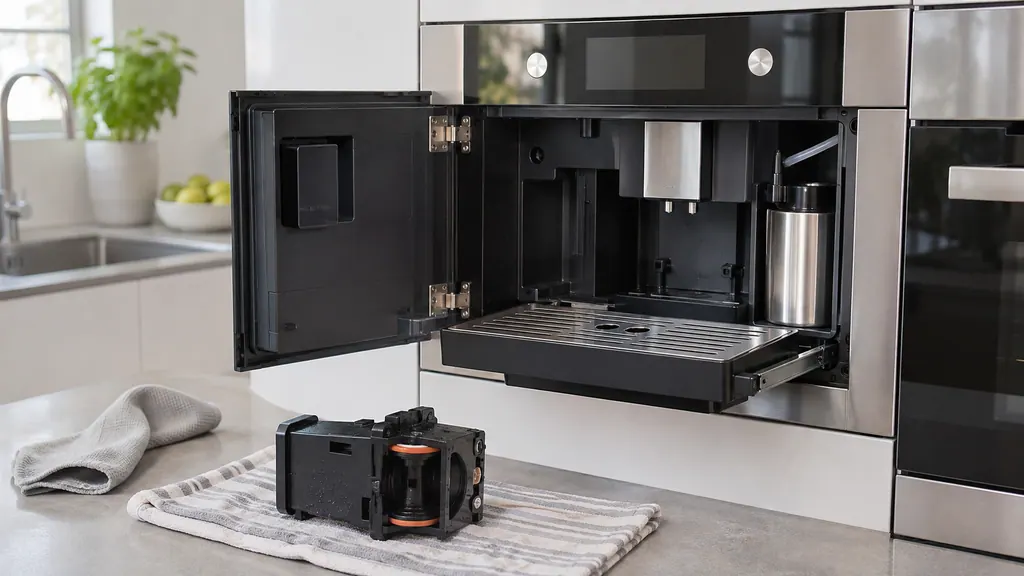
Daily and weekly coffee machine cleaning, in order.
Each day, empty and dry the drip tray and coffee grounds container, clean the milk container after every use and wipe the inside. Each week, clean the milk system by hand and take out the brewing unit to rinse it without detergent. Service programs use the machine's own tablets, never vinegar. [1][2][3][4]
When observation becomes a service request.
Leave internal testing to a technician.
The machine stops responding even after a 60-second unplug.
Coffee stays slow after cleaning and a coarser grind.
The set cup quantity is never reached after descaling.
Water drips under the machine.
Arrange a diagnosticSources and model boundaries.
These are the sources behind the Bosch coffee machine gives water but no coffee guidance. Pick the manual for your own model.
- Fully automatic espresso machine 500 Series TPU40... [en-us] Use and Care Manual
- Fully automatic espresso machine 500 Series TPU40... [en-us] Use and Care Manual
- Fully automatic espresso machine 500 Series TPU40... [en-us] Use and Care Manual
- Fully automatic espresso machine 500 Series TPU40... [en-us] Use and Care Manual
Open the instructions that match your exact model. See how we research these pages.
Why does my Bosch espresso machine dispense only water?
Bosch lists an empty bean container the machine fails to detect, a blocked coffee shaft on the brewing unit, and beans too oily to drop into the grinder.
Why will the grinder not start?
The machine is too hot. Disconnect it from the power supply and give it an hour to cool down before trying again.
Why is coffee only trickling out?
The grinding level is set too fine. Choose a coarser level. Heavy limescale or air in the water filter can also leave a set quantity unreached.
What if the machine no longer responds?
Remove the plug, wait about a minute, and restore power. If the machine reports it needs a restart, cleaning the brewing unit also helps.
Bosch E-codes, symptoms, parts, repair visits
From the message to the step after it.
Please clean brewing unit
"Please clean brewing unit" on a Bosch fully automatic espresso machine means the unit is soiled, its mechanism is stiff, or it holds too much ground coffee. Clean the brewing unit, and use no more than 2 level measuring spoons of ground coffee.
Bosch coffee machine gives water but no coffee
A Bosch fully automatic espresso machine that pours only water, grinds nothing, or drips slowly has a handful of likely causes: empty or oily beans, a blocked coffee shaft, an overheated grinder, or a grind set too fine.
Coffee machine brewing unit
The brewing unit is the chamber you can lift out, where the coffee is pressed. Bosch says "Please clean brewing unit" appears when it is soiled, stiff or holds too much ground coffee, and that it must be rinsed under warm running water, never with detergent or in the dishwasher.
Coffee machine repair
Arrange a diagnostic for your exact model, carried out at the appliance.
Find your metro
Office details, plus the access information to send us.