What it means
"Demo mode" on a Bosch B18IF905SP freezer means demo mode is switched on, which turns the cooling function off. Switch demo mode off in the settings; do not store food while it is on.
Bosch freezer Demo mode / Alarms and modes
"Demo mode" on a Bosch B18IF905SP freezer means demo mode is switched on, which turns the cooling function off. Switch demo mode off in the settings; do not store food while it is on.
Also shown as Demo mode
"Demo mode" on a Bosch B18IF905SP freezer means demo mode is switched on, which turns the cooling function off. Switch demo mode off in the settings; do not store food while it is on.
The manual says not to store food in demo mode, because the appliance then stays at room temperature.
Demo mode comes back after you switch it off.
Your Bosch checklist stays on this device
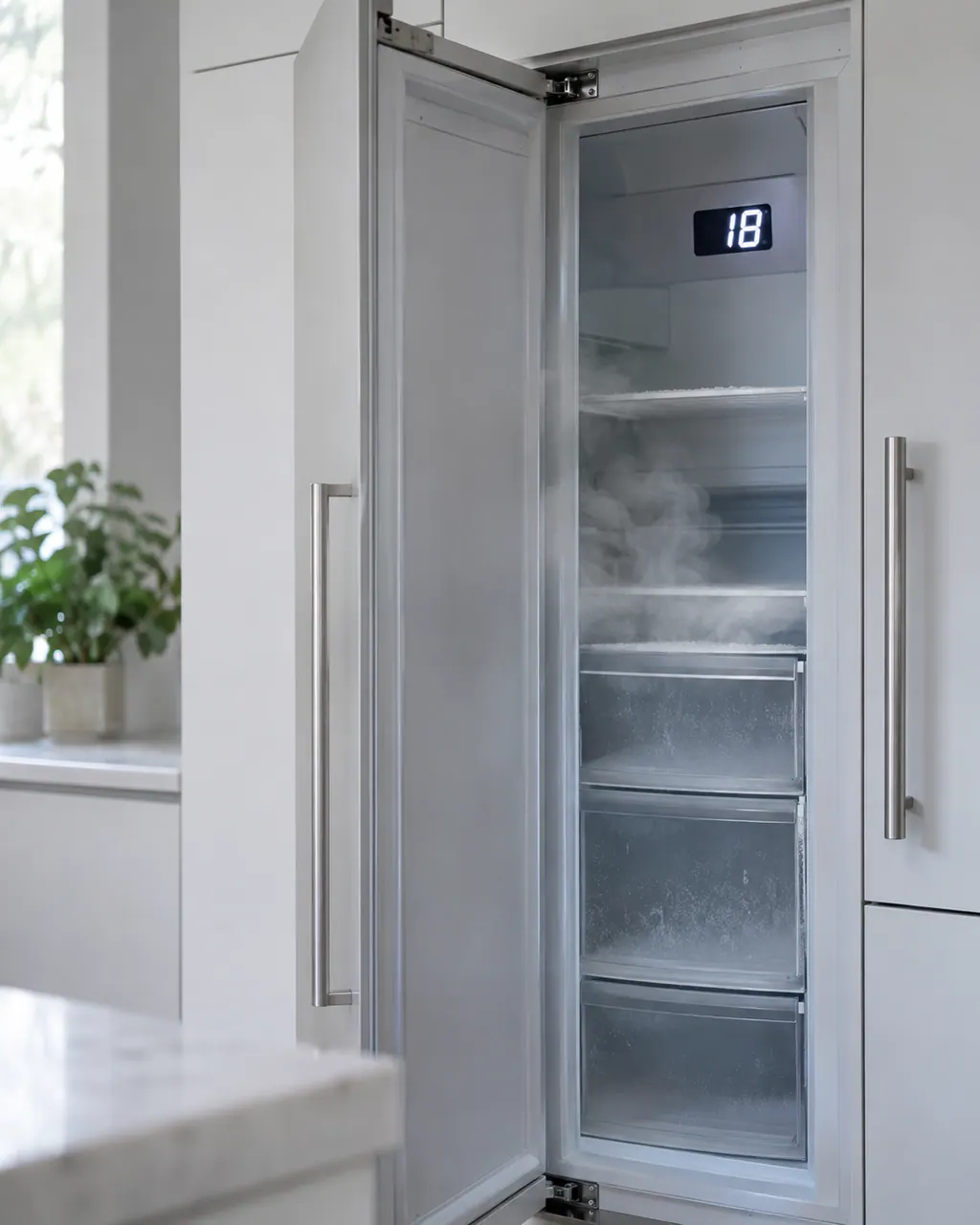
The manual says not to store food in demo mode, because the appliance then stays at room temperature.
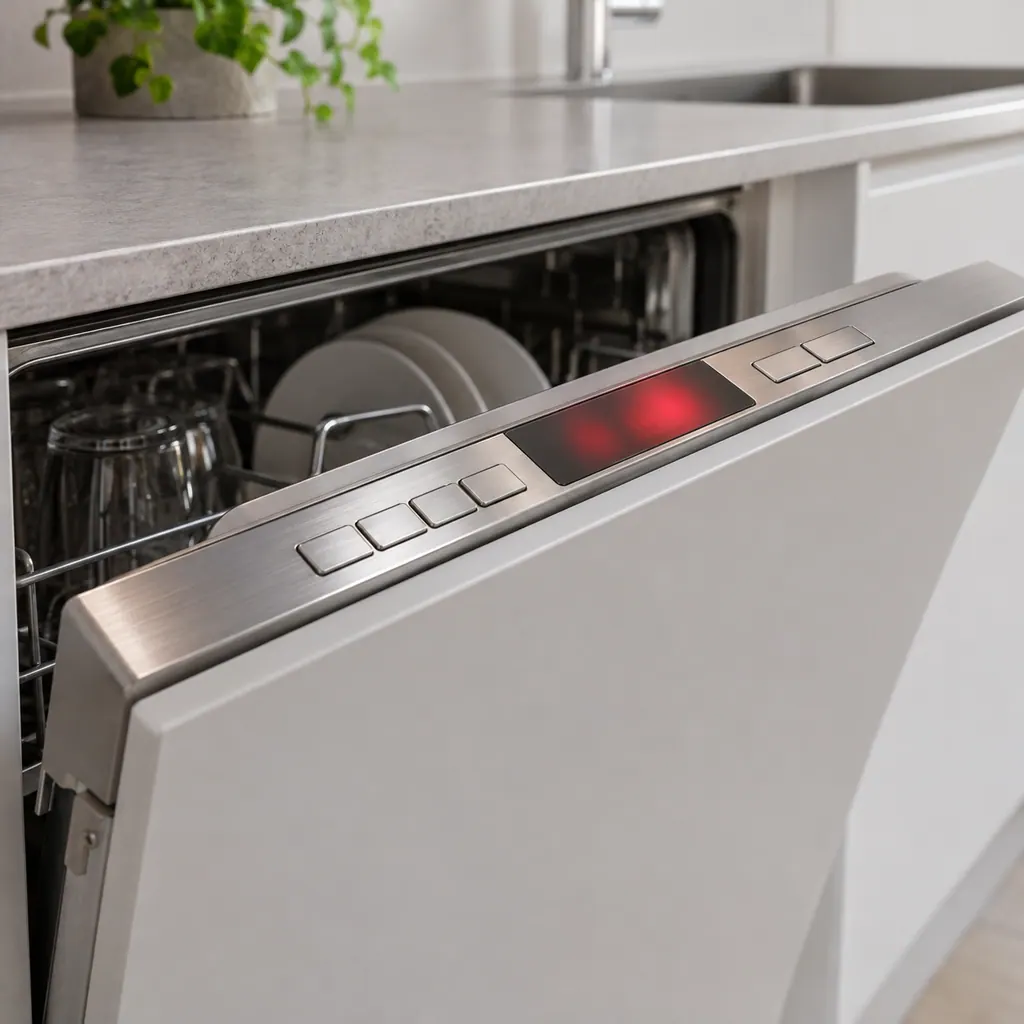
Demo mode is an item in the settings. After switching the appliance on, the menu item shows for 3 minutes.
The troubleshooting table gives "Switch demo mode off" for an appliance that is not cooling while the display and lighting are lit.
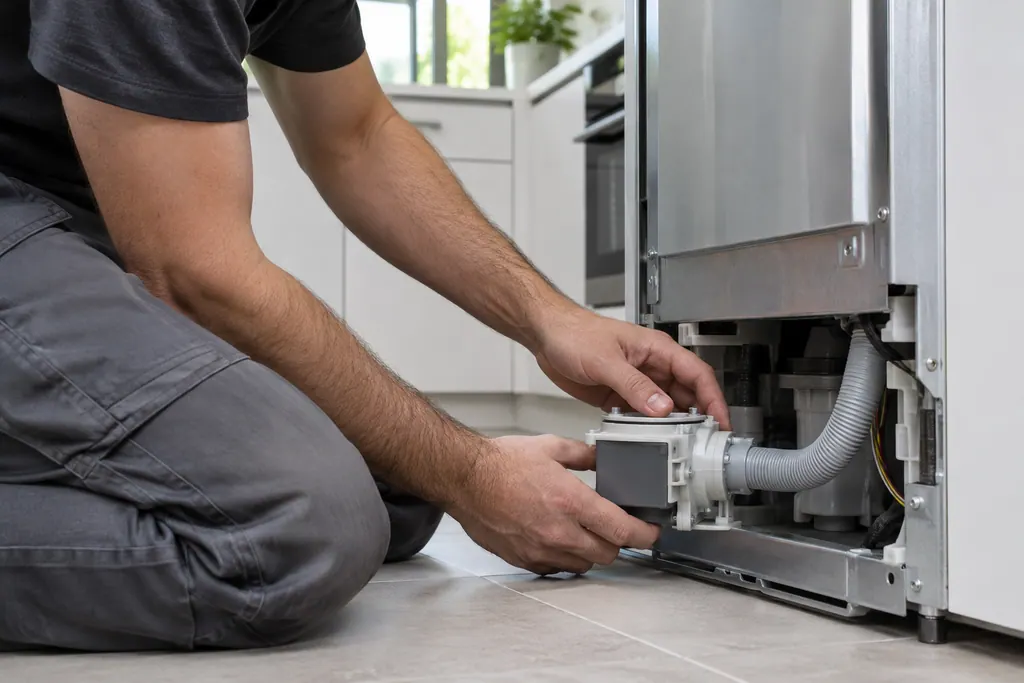
The manual says to switch off and back on to bring the demo mode item up again for 3 minutes.
Send us the model and the checks you have run, then start your request right here.
Book a visitA simplified drawing, since the inside of a Bosch shifts between models. Select an outlined part for its photo and the check that goes with it.
Component reference
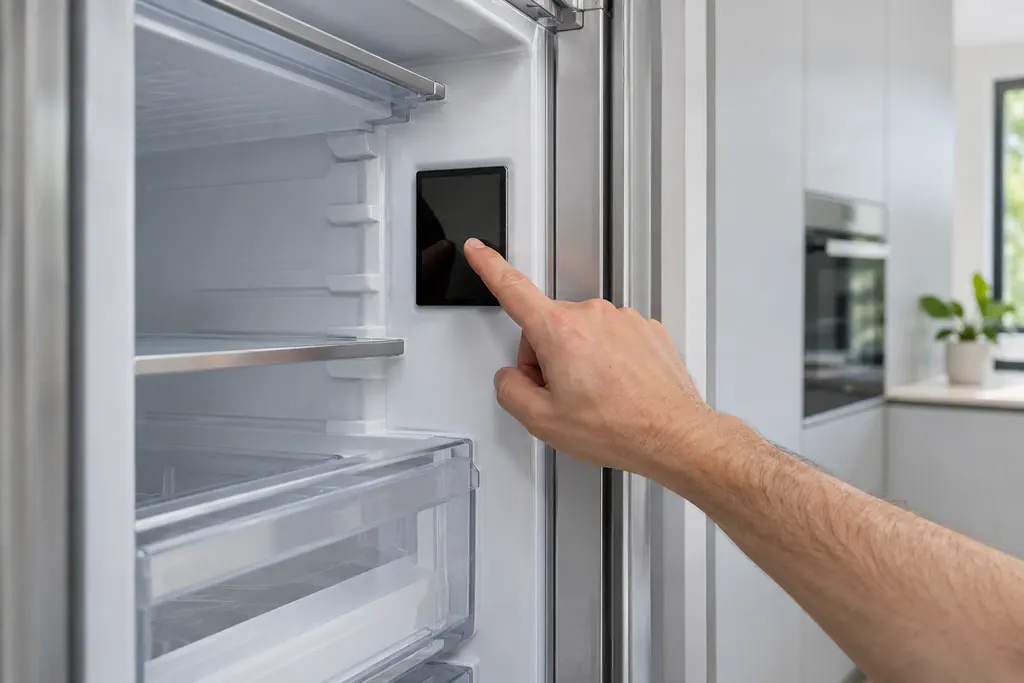
The touch display on a Bosch B18IF905SP freezer shows the set temperature and carries the settings menu, the Self-test and the demo-mode switch.
Read the definitionDemo mode switches the cooling function off. All other functions still work, so the display and lights are on while nothing cools.
Read the supporting manualDemo mode is the cause the manual lists for "appliance not cooling, display and lighting are lit".
Read the supporting manualNo. The manual says the appliance remains at room temperature in demo mode, so frozen food will thaw.
Read the supporting manualManufacturer document
BSH Home Appliances Corporation (Bosch US manual PDF, media3.bosch-home.com)
PDF created 21.10.2020; file tag _D (no printed edition date read) / PDF p22
Bosch B18IF905SP freezer instruction manual (PDF created 21.10.2020), pages 10, 18 and 24.
Through the settings menu. Switch the appliance off and back on if the item is not showing, then switch the mode off within 3 minutes.
No. It is a mode, and it is the first thing the manual checks when the freezer does not cool but the display works.
If it thawed, treat it as thawed. Do not refreeze partly or completely thawed food, per the manual's caution.
If demo mode will not switch off, or the freezer still does not cool after it is off.
Bosch E-codes, symptoms, parts, repair visits
"Door alarm" on a Bosch B18IF905SP freezer means the appliance door has been open for a long time. Close the door. To mute the alarm, acknowledge the message on the control panel; it returns if the door stays open.
If a Bosch built-in freezer shows lit displays but is not cooling, demo mode is the first thing to switch off. Otherwise, a temperature well away from the set value can be reset by turning the appliance off for 5 minutes.
The touch display on a Bosch B18IF905SP freezer shows the set temperature and carries the settings menu, the Self-test and the demo-mode switch. In demo mode the screen stays lit but the freezer stops cooling, which makes it an early suspect.
Arrange a diagnostic for your exact model, carried out at the appliance.
Office details, plus the access information to send us.