Inside the appliance
Freezer touch display. In plain English.
The touch display on a Bosch B18IF905SP freezer shows the set temperature and carries the settings menu, the Self-test and the demo-mode switch. In demo mode the screen stays lit but the freezer stops cooling, which makes it an early suspect.
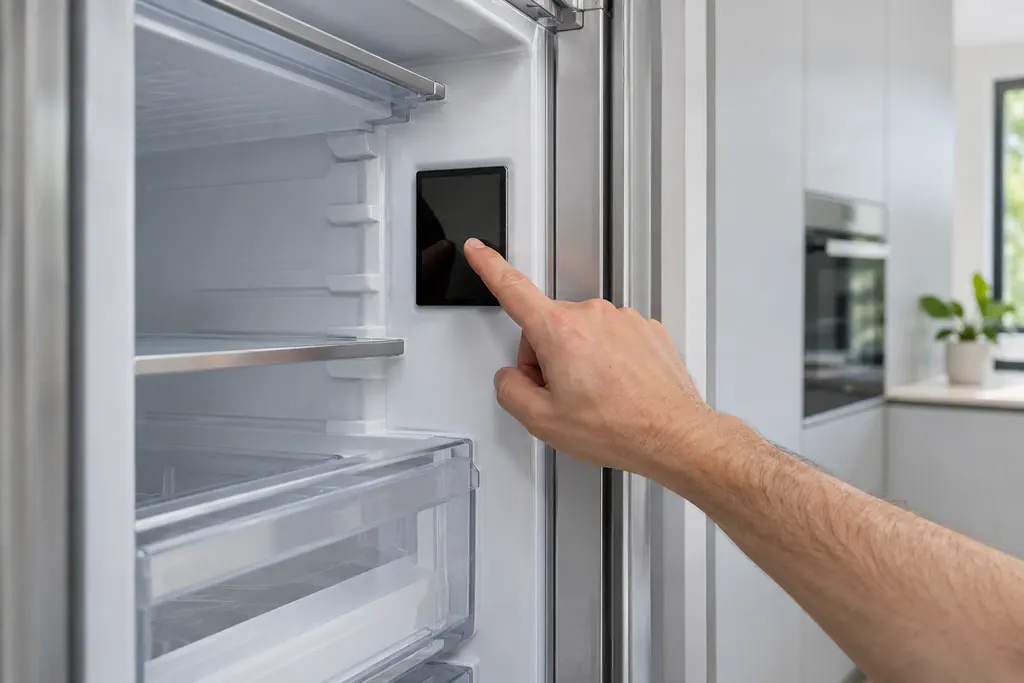
Where it fits.
Freezer touch display in the appliance
On the freezer's control panel; the manual's operating-controls page shows where it sits.
The photo is an example of this kind of component. It does not tell you which replacement suits your model.
What shifts when this system needs attention.
Freezer touch display concerns can show up with a drop in performance or a code that keeps returning. Testing comes before deciding whether the component is to blame.
Owner care, within the model instructions.
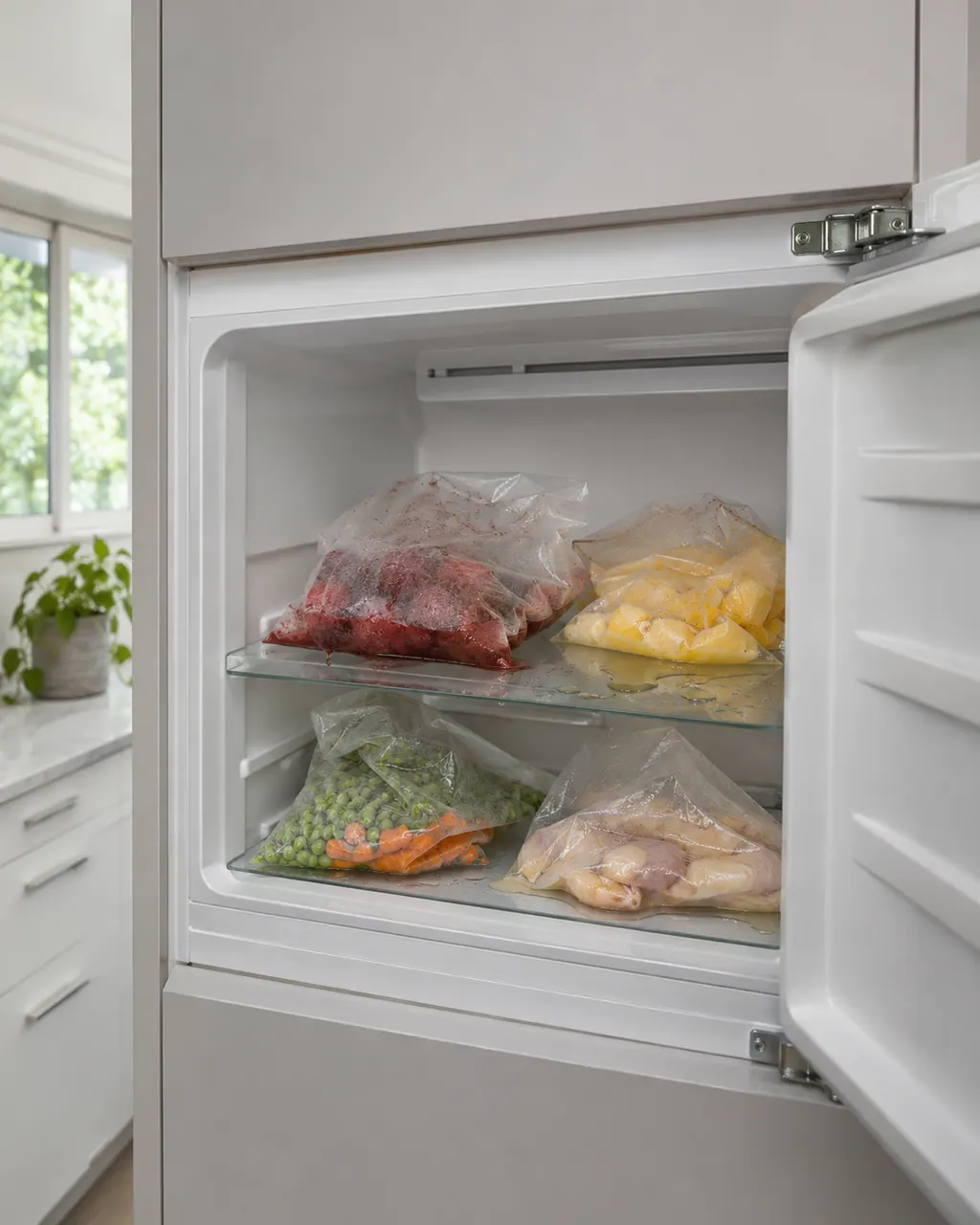
Switch off and unplug before any check you do yourself. Watch for pooled water and sharp debris. Never touch a wet plug or an electrical area, take off a service panel or go beyond your model’s owner instructions.
- 1
Open Settings
Tap the settings button on the display to see the menu.
- 2
Check demo mode
A freezer that stays warm while its screen and lamp work may be stuck in demo mode; turn that off under Settings.
- 3
Run the Self-test
Tap Self-test, then Start. The result helps when you book a visit.
- 4
Dry the panel
The manual says changes in temperature and humidity can steam up the controls; switch the clean lock on and wipe with a microfiber cloth.
Cleaning or replacement?
Leave internal testing to a technician.
The display is dark with power at the plug and breaker.
Self-test reports a result you cannot clear.
The freezer is warm with demo mode off.
Arrange a diagnosticSee the neighboring components.
Freezer door seal
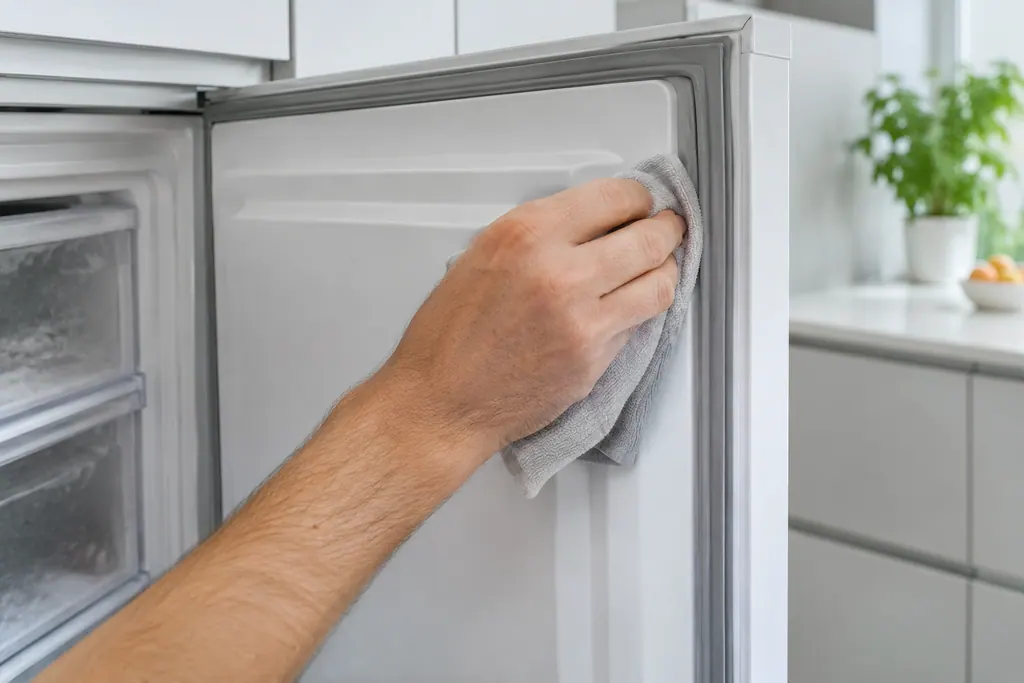
Around the freezer door runs a soft rubber gasket, the door seal. The B18IF905SP manual wants seals kept free of oil and grease and wiped with clear water. A separate alarm tells you the door has been left open.
Freezer water filter
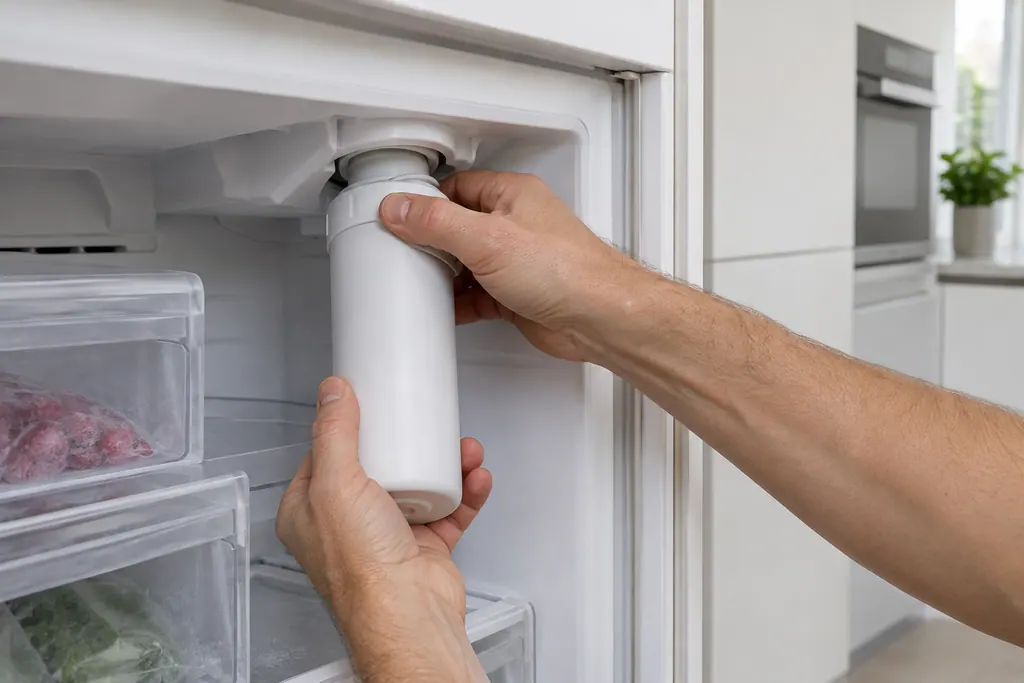
The water filter in a Bosch B18IF905SP freezer treats the water that becomes ice. The manual wants a fresh filter within 6 months, the counter reset, and the first day of ice discarded. A blocked filter can slow ice production.
Sources and model boundaries.
These are the sources behind the Freezer touch display guidance. Pick the manual for your own model.
- Freezer B18IF905SP: Instruction manual
Open the instructions that match your exact model. See how we research these pages.
Why is my freezer not cooling when the display works?
Demo mode is one cause of a warm freezer with a working screen and lamp. Turn it off under Settings.
How do I start the Self-test?
Open Settings, tap Self-test, then Start.
What if the display is dark?
The manual lists the plug, a tripped fuse and a power failure. Check those first.
How do I clean the display?
Switch on the clean lock first, then use a clean microfiber cloth.
Bosch E-codes, symptoms, parts, repair visits
From the message to the step after it.
Demo mode
"Demo mode" on a Bosch B18IF905SP freezer means demo mode is switched on, which turns the cooling function off. Switch demo mode off in the settings; do not store food while it is on.
Bosch built-in freezer not cooling
If a Bosch built-in freezer shows lit displays but is not cooling, demo mode is the first thing to switch off. Otherwise, a temperature well away from the set value can be reset by turning the appliance off for 5 minutes.
Freezer repair
Arrange a diagnostic for your exact model, carried out at the appliance.
Find your metro
Office details, plus the access information to send us.