Start from the symptom
Bosch freezer built-in freezer not cooling.
If a Bosch built-in freezer shows lit displays but is not cooling, demo mode is the first thing to switch off. Otherwise, a temperature well away from the set value can be reset by turning the appliance off for 5 minutes.
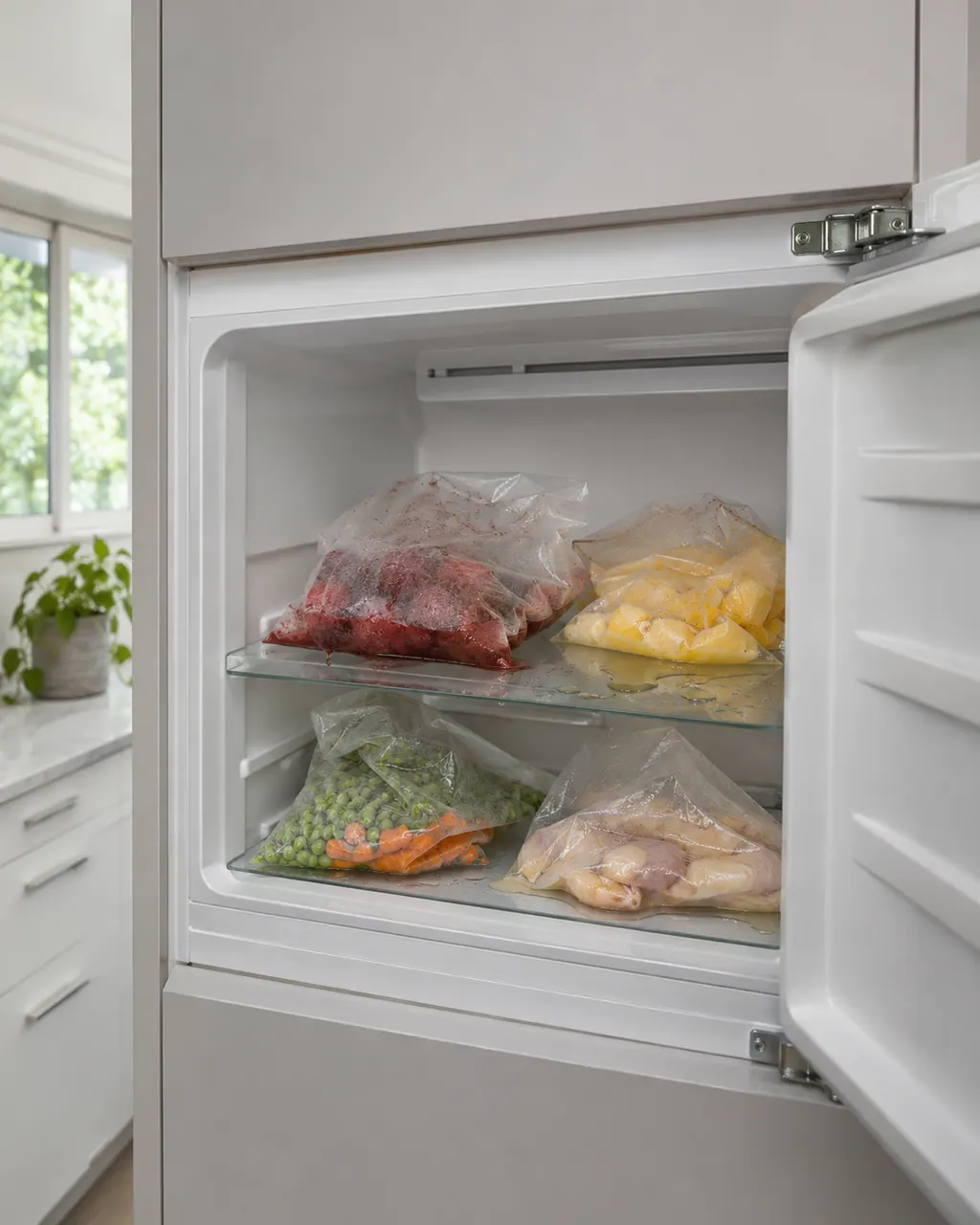
Start with safe observations.
Switch off and unplug before any check you do yourself. Watch for pooled water and sharp debris. Never touch a wet plug or an electrical area, take off a service panel or go beyond your model’s owner instructions.
- 1
Switch off demo mode
Bosch lists demo mode on as the reason for a lit display and no cooling. Turn it off in the Settings menu.
- 2
Power the appliance down
If the temperature differs greatly from the set value, switch off the appliance for 5 minutes.
- 3
Give it time
If the freezer is running too warm, look again after a couple of hours. One that is too cold should be rechecked the following day.
- 4
Cut down on door openings
The refrigeration unit runs more often and longer if the door is opened often or vents are covered.
- 5
Clear the vents
Remove anything covering the ventilation openings.
More about this symptom.
Why would it be lit but warm?#
Demo mode. Bosch's table gives it for a freezer that is not cooling although the display and lighting are on; the remedy is turning demo mode off in Settings. 1
What does a temperature far from the set value need?#
Switch the appliance off for 5 minutes. Look again at a too-warm freezer in two hours or so, and at a too-cold one on the following day, so the freezer has time to settle. 1
What drives long compressor runs?#
Frequent opening, blocked ventilation openings and large amounts of fresh food all lengthen the runs. Open less, clear the openings, and turn on super cooling ahead of a big load. 1
How does the self-test help?#
It lists problems a technician can act on. Start it from the settings menu, follow the display, and the appliance restarts afterwards. Share the result with the technician. 2
Systems a technician may investigate.
These parts relate to the symptom. The observation alone does not show that any one of them has failed.
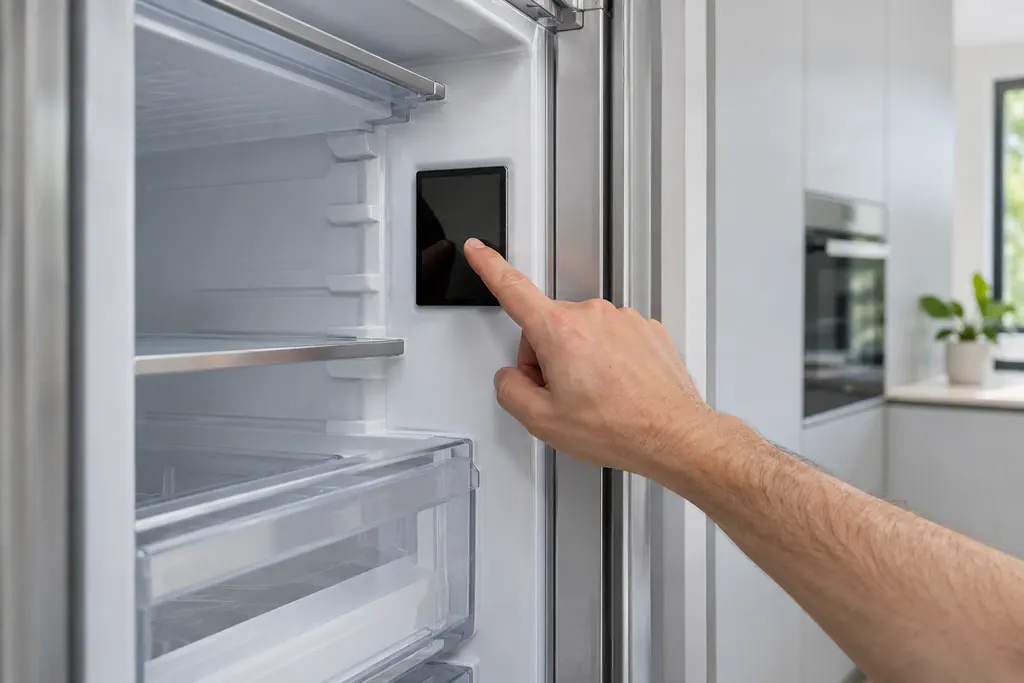
Freezer touch display
The touch display on a Bosch B18IF905SP freezer shows the set temperature and carries the settings menu, the Self-test and the demo-mode switch. In demo mode the screen stays lit but the freezer stops cooling, which makes it an early suspect.
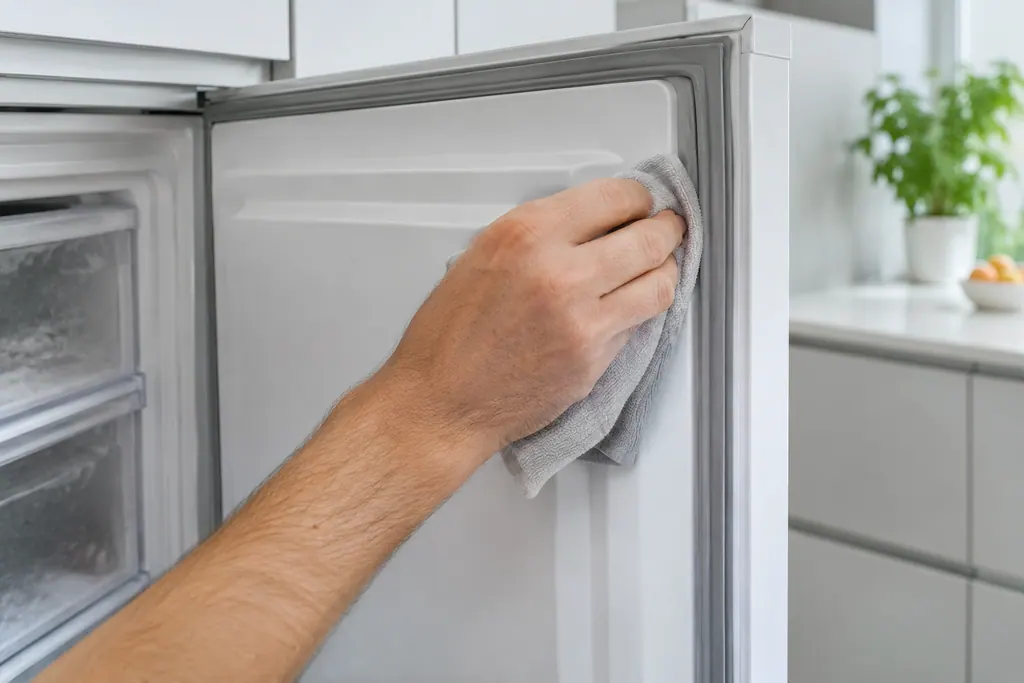
Freezer door seal
Around the freezer door runs a soft rubber gasket, the door seal. The B18IF905SP manual wants seals kept free of oil and grease and wiped with clear water. A separate alarm tells you the door has been left open.
If the display adds a code.
Read the related care guide.
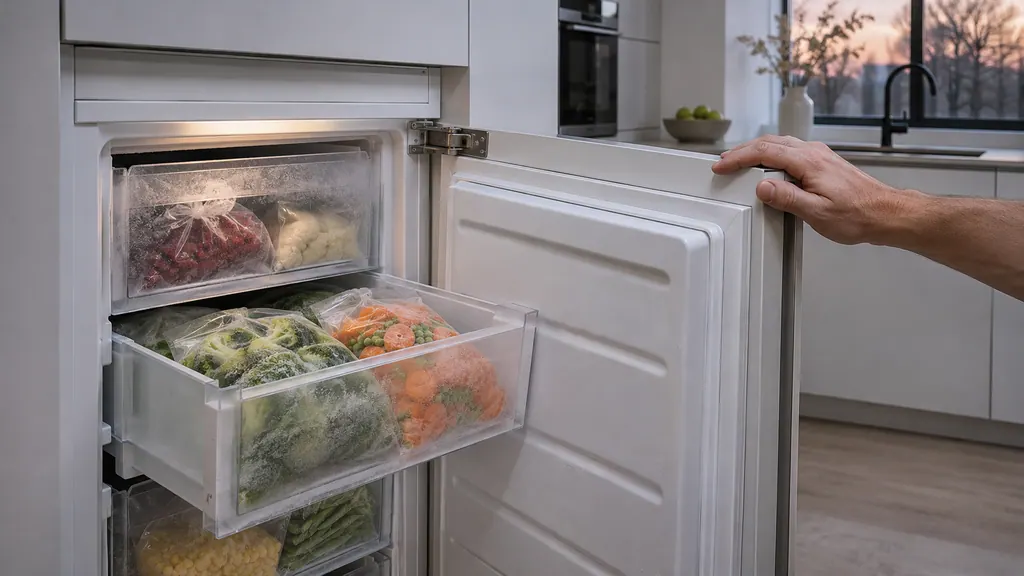
Freezer alarm sounding? Read the panel before you open the door again.
On a Bosch B18IF905SP freezer, the door alarm means the door was open too long and the temperature alarm means the compartment got too warm. Close the door, read the warmest temperature on the panel, check the food, and acknowledge the message only after the cause is gone. [1]
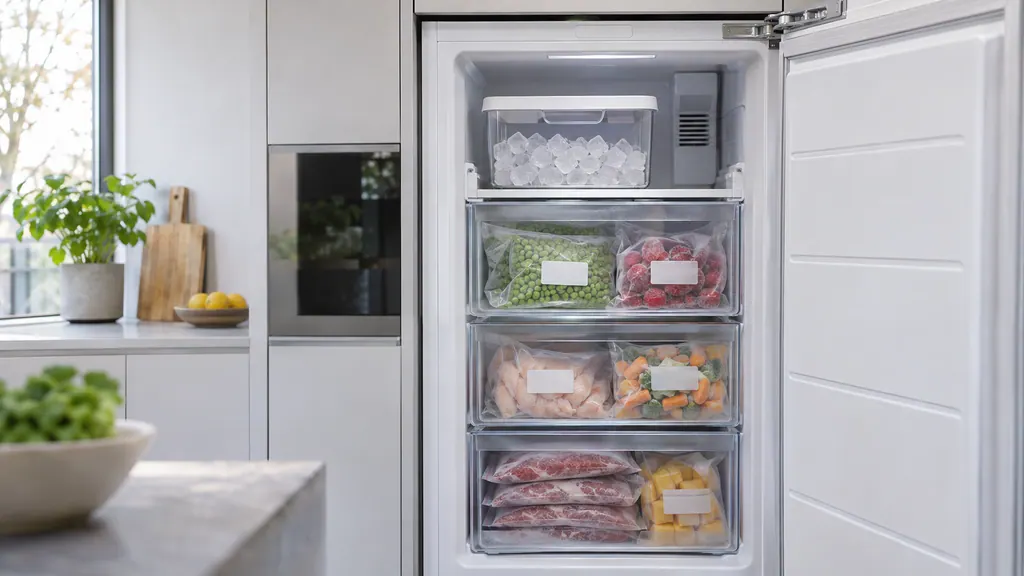
Ice, filter and freezing, kept simple.
Change the freezer's water filter every 6 months, discard the first 30 to 40 ice cubes and those made in the first 24 hours after a filter change, and keep bottles out of the ice container. Use super freezing 4 to 6 hours before a big load; NoFrost means no manual defrosting. [1][2][3]
When observation becomes a service request.
Leave internal testing to a technician.
The display shows an alarm and the freezer stays warm after the restart.
The self-test reports a problem.
Frozen food softens.
The unit runs constantly with the vents clear.
Arrange a diagnosticSources and model boundaries.
These are the sources behind the Bosch built-in freezer not cooling guidance. Pick the manual for your own model.
- Freezer B18IF905SP: Instruction manual
- Freezer B18IF905SP: Instruction manual
Open the instructions that match your exact model. See how we research these pages.
Why is my Bosch freezer lit but not cooling?
The troubleshooting table gives demo mode as the reason when the appliance is not cooling but the display and lighting are on. Switch it off in the Settings.
When should I recheck the temperature?
If the temperature is too warm, check it again after a couple of hours. If too cold, check the next day. Switch off for 5 minutes first.
Why does the freezer run so often?
Bosch lists frequent door opening, covered ventilation openings, or large quantities of fresh food. Switch on super cooling promptly in advance when freezing a big batch.
What does the self-test do?
It lists problems that a technician can act on. Open settings, tap Self-test, tap Start, and follow the instructions shown.
Bosch E-codes, symptoms, parts, repair visits
From the message to the step after it.
Temperature alarm
"Temperature alarm" on a Bosch B18IF905SP freezer means the freezer compartment became too warm. The message shows the warmest temperature reached. Do not refreeze partly or completely thawed food; check it before use.
Bosch built-in freezer not cooling
If a Bosch built-in freezer shows lit displays but is not cooling, demo mode is the first thing to switch off. Otherwise, a temperature well away from the set value can be reset by turning the appliance off for 5 minutes.
Freezer touch display
The touch display on a Bosch B18IF905SP freezer shows the set temperature and carries the settings menu, the Self-test and the demo-mode switch. In demo mode the screen stays lit but the freezer stops cooling, which makes it an early suspect.
Freezer repair
Arrange a diagnostic for your exact model, carried out at the appliance.
Find your metro
Office details, plus the access information to send us.