On this page
- dE means demo mode, a setting, and the zones will not heat in it. 12
- Support page: half a minute with the breaker off, then touch a control within three minutes. 1
- NIT8661UC manual: basic settings, entered within 10 seconds of switching on. 2
- Slide-in ranges carry the same wording as the cooktops page. 3
What does dE mean on a Bosch cooktop?#
dE means demo mode has been activated. Bosch's page pairs it with cooking zones that do not heat up. Demo mode is a demonstration setting in which the controls respond but the zones stay cold, so a cooktop in it is working, not broken. 12
The NIT8661UC manual describes the setting in the same terms: demonstration mode for the cooktop, which on switching on lights a symbol for a few seconds while the cooking zones do not heat. 2 The same table in that manual lists the setting as switched off at the factory. 2 That makes dE a surprise in a home kitchen, and the page does not say how it gets switched on.
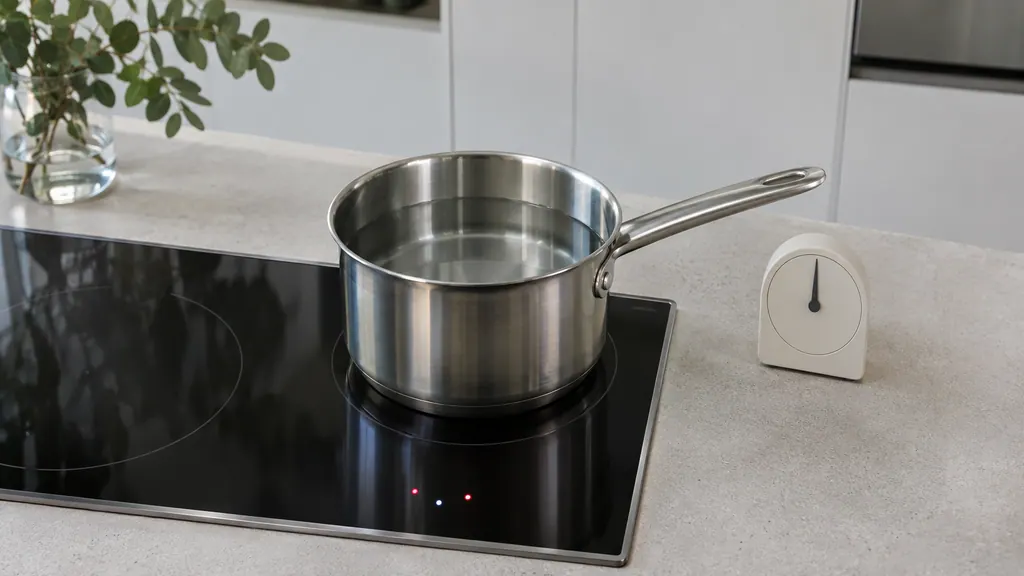
A pan of cold water on a lit cooktop is the situation to look for. If the zones respond, light up and show power levels but never warm the pan, check the display for dE before assuming a heating problem.
How do I switch demo mode off with the breaker method?#
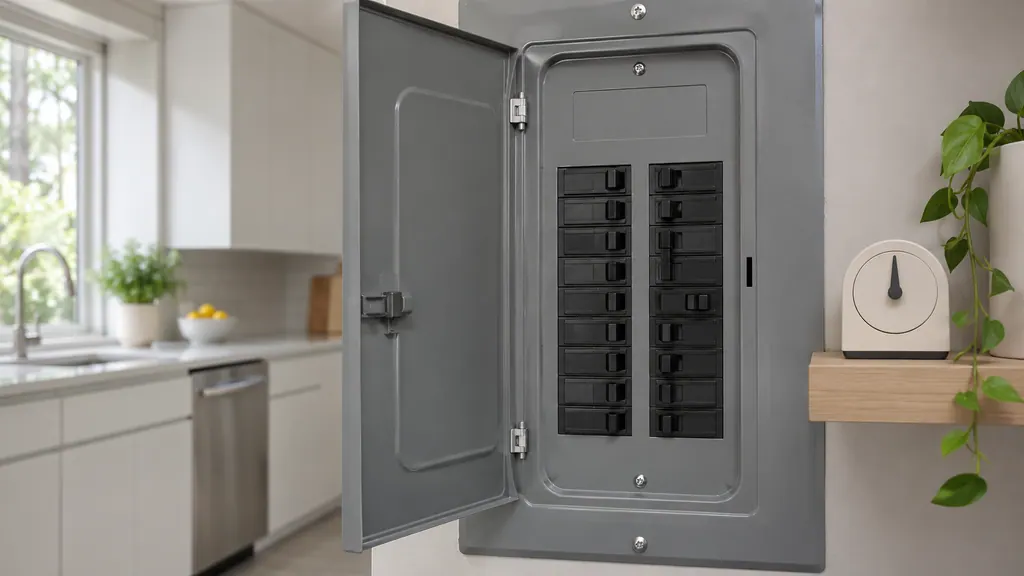
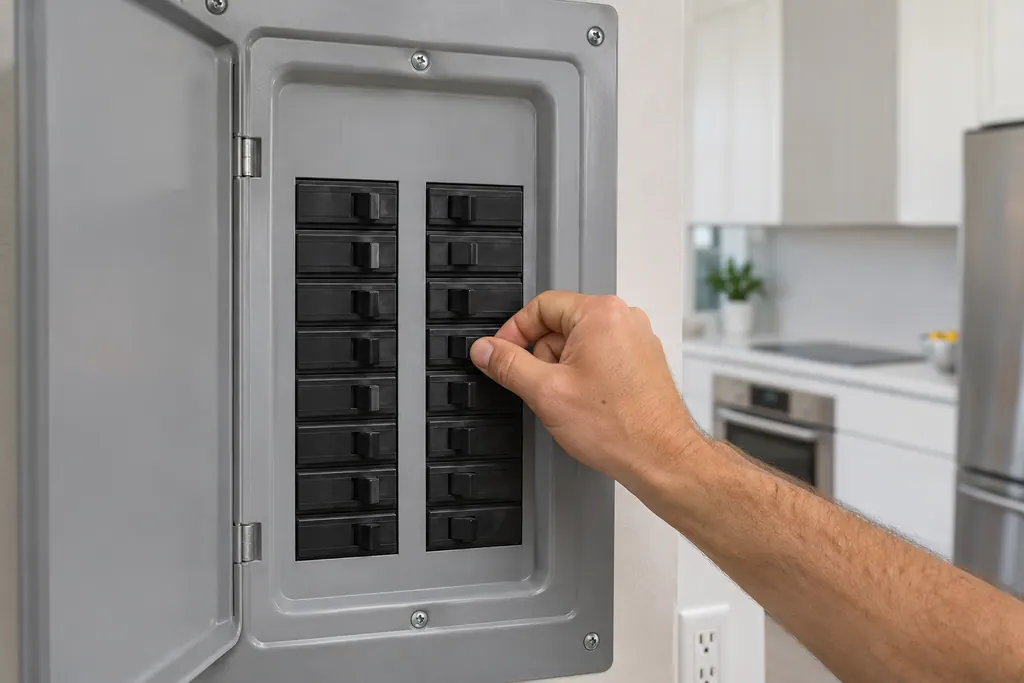
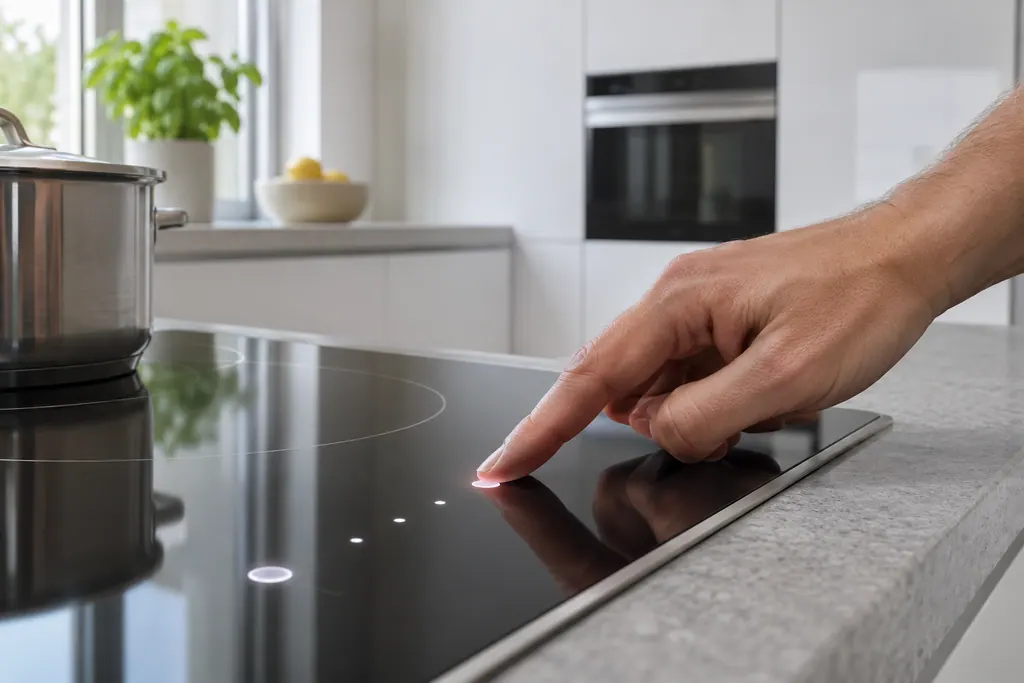
Bosch's support page says: disconnect the appliance from the power supply for 30 seconds by switching off the circuit breaker or fuse in the electrical panel, then touch any control element on the cooktop within the next three minutes. 1
- 1
Find the breaker for the cooktop#
It is in the electrical panel, and may be labeled for the kitchen or the range. Do not guess if a label is missing.
- 2
- 3
Switch it back on#
Restore the breaker or fuse.
- 4
- 5
Test with a small pan of water#
If a zone heats it, demo mode is off. If dE comes back, move on to the settings method or book.
The slide-in range page repeats this wording for induction slide-in ranges, with the control described as any control on the appliance. 3 Treat the range and cooktop methods as the same.
How do I switch demo mode off in the settings?#
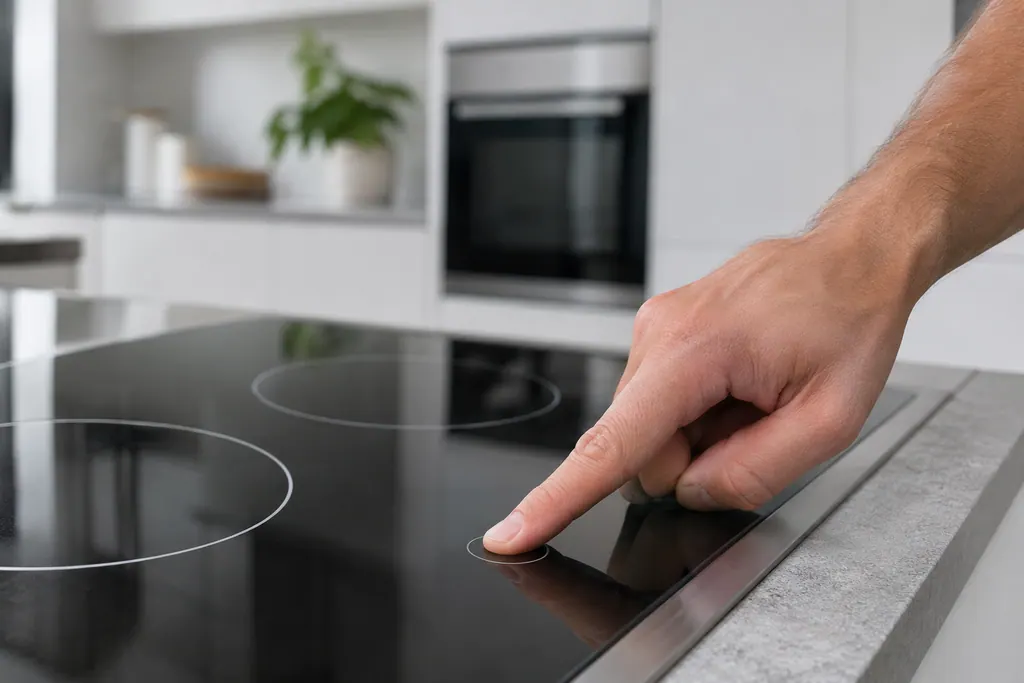
The NIT8661UC manual lists demo mode in its basic settings and says that when it is activated you should switch it off there. To reach the settings, the cooktop must be off, then you switch it on and touch and hold the settings button within 10 seconds for 4 seconds. 2
The manual's list continues in a fixed order. The first four screens show product information; you touch a button to move through them, then touch the settings button to enter the basic settings, touch repeatedly until the setting you want appears, choose a value in the settings area, and touch and hold for 4 seconds to save. 2 For demo mode the choices are switched off and switched on. 2
The buttons are shown as symbols in the manual, and we cannot reproduce them reliably as text. Identify them with your own manual; the manual's own page for basic settings is page 14, with demo mode on page 15. 2
- 1
- 2
- 3
- 4
- 5
Why do Bosch's two sources disagree?#
They describe different products. The support page covers cooktops and slide-in ranges in general and gives a power-cycle method. The NIT8661UC manual belongs to one cooktop and gives a settings method. Where your manual says otherwise, follow your manual. 123
Bosch's page does not say why it chose a power cycle for some models. We have not found a model list for either method, so the sensible order is: look at your own manual first, then try the breaker method on the support page. A manual with a basic settings chapter will explain the other route.
How can I check that the cooktop heats again?#
Put a pan of water on a zone that fits it and watch the display. The NIT8661UC manual has a cookware test in its basic settings: about 1 cup (200 ml) of water, centered on the best-fitting zone, and a result after 10 seconds. 2
The results mean the cookware is not suitable, is heating slower than expected, or is heating correctly. 2 This test is for judging cookware, but a pan that heats at all proves demo mode is off. If nothing heats and dE is gone, that is a different problem, and that calls for a visit.
Does demo mode exist on other Bosch appliances?#
Yes, in other forms. Our code pages record a Bosch drawer microwave message, DEMO ON, which appears when demo mode is switched on from the settings menu, and a "Demo mode" message on a Bosch B18IF905SP freezer. Each comes from that appliance's own manual, not from the cooktop sources used here. 45
The pattern repeats: a demonstration setting that mimics normal use while the appliance does its real work only when the setting is off. For a cooktop that is unmistakable because the zones stay cold. For other appliances, read your own model's manual first, not carrying the cooktop method across.
Keep in mind, too, that the NIT8661UC lists restoring factory settings as a separate item in its basic settings, with the options "individual settings" and "factory settings". 2 The manual does not tie that item to demo mode, so we do not suggest it as a fix.
What if dE comes back?#
Then something is setting it again, or the cooktop does not respond as the sources describe. Book a visit and tell us exactly what you did, because the support page lists no further steps for dE. 1
If the display shows something else, such as an F-code, a different entry applies, and the cooktop shutoff guide covers the heat and time-limit messages. If the zones are cold and there is no dE, that is not demo mode, and it needs a technician.
We are a separate repair business; Bosch is not our parent. A cooktop still inside the maker's warranty goes to the maker for that repair; otherwise book a technician and read how a cooktop repair visit runs.
Sources#
- Bosch Dishwasher Error Codes: Troubleshooting Guide | BoschRobert Bosch Hausgeraete GmbH / BSH Home Appliances (Bosch US owner-support page, bosch-home.com/us; the HTML title is Bosch's own copy error, the page is cooktops and rangetops) · Undated web page; fetched 12.11.2026 · entry "dE and Cooking Zones Do Not Heat Up" and the induction cooktops entry of the same name
- Induction cooktop NIT8661UC [en-us] Use and Care ManualBSH Home Appliances (Bosch US manual PDF, media3.bosch-home.com) · PDF created 04.09.2026, tag _E · PDF p14-15 (13 Basic settings, Demo mode), p20 (Troubleshooting table)
- Bosch Slide-in Range Error Codes | Support | Error CodesRobert Bosch Hausgeraete GmbH / BSH Home Appliances (Bosch US owner-support page, bosch-home.com/us) · Undated web page; fetched 12.11.2026 · entry "dE and the cooking zones do not heat up" (Induction Slide-In Ranges)
- Drawer Microwave Use and Care Manual, Models: HMD8454UC HMD8054UCBSH Home Appliances (Bosch US manual PDF, media3.bosch-home.com) · PDF created 30.09.2025, tag _C · PDF p16 (DEMO ON)
- Freezer B18IF905SP: Instruction manualBSH Home Appliances (Bosch US manual PDF, media3.bosch-home.com) · PDF created 21.10.2020, tag _D · PDF p22 (Demo mode)