Start from the symptom
Bosch cooktop induction cooktop switches off with F2, F4 or F5.
F2, F4 and F5 on a Bosch induction cooktop are heat protection, not a breakdown: electronics that run hot, or hot cookware parked near the controls, switch zones off. Let it cool, move the pan, then touch any control.
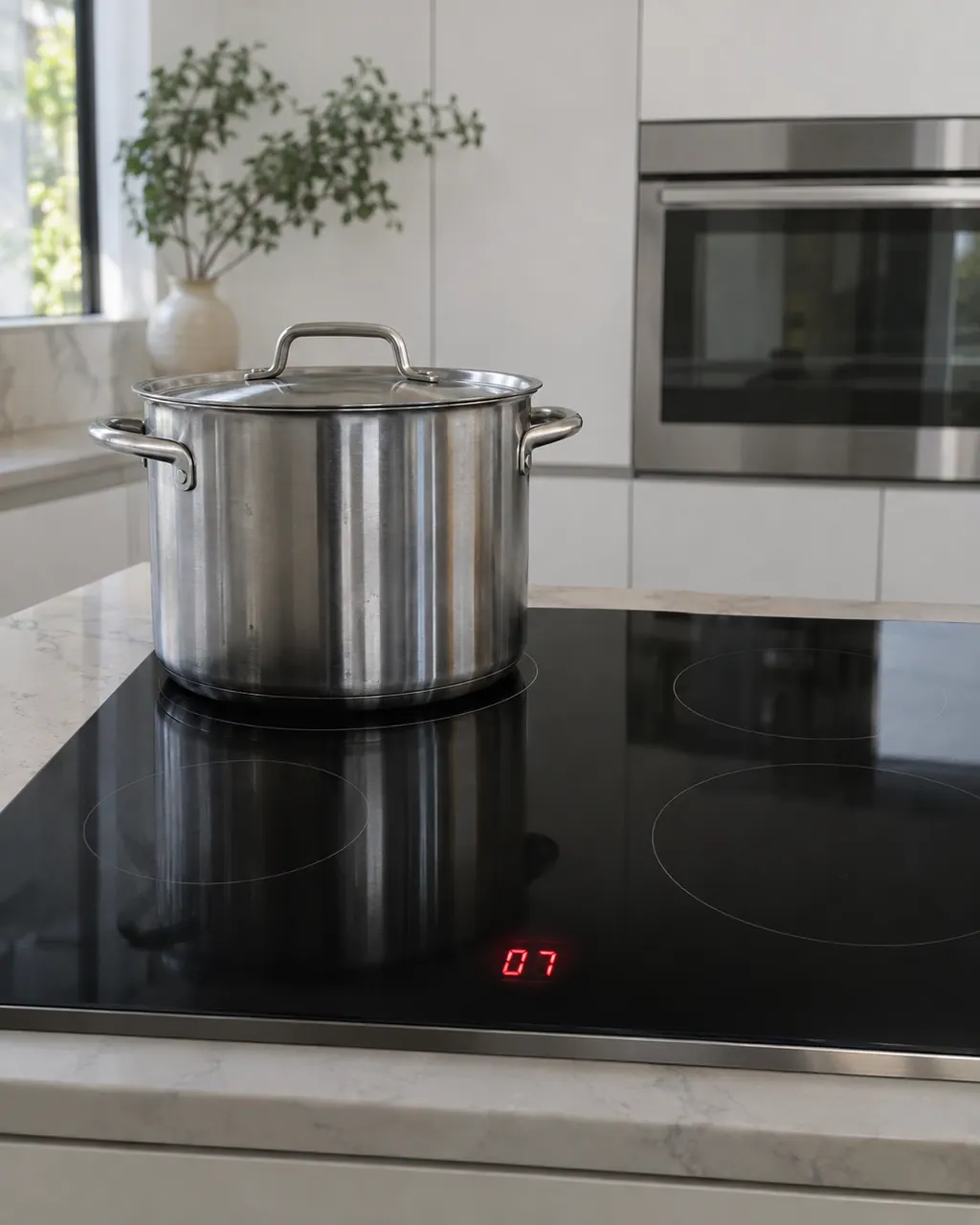
Start with safe observations.
Switch off and unplug before any check you do yourself. Watch for pooled water and sharp debris. Never touch a wet plug or an electrical area, take off a service panel or go beyond your model’s owner instructions.
- 1
Move hot cookware away
F5 means hot cookware sits close to the control panel. Lift it off and wait a few seconds. If a signal tone sounded with it, that zone was switched off to protect the electronics.
- 2
Wait for the electronics to cool
F2 shuts off the affected zone and F4 shuts off every zone because the electronics overheated. Give the cooktop time before using it again.
- 3
Touch any control
Once the electronics are cool enough, a touch on any control clears the message and you can carry on cooking.
- 4
Treat F1 and F6 the same way
These mean the cooking zone itself overheated and was switched off to protect the work surface. Let it cool, then switch the zone on again.
- 5
Look around the pan
Large pans near the front can heat the panel. A smaller pan or a different zone avoids a repeat.
More about this symptom.
What does a protection shutdown look like?#
A single zone or the full cooktop goes dark and a code such as F2, F4 or F5 appears, sometimes with a signal tone. Bosch's table treats each as electronics protecting themselves from heat. 13
What do I do first?#
Remove hot cookware from the area around the controls, then wait until the electronics cool. Touch any control afterwards. When the message disappears you can continue cooking. 1
Why would it keep happening?#
The tables name two triggers: hot cookware close to the control panel, and electronics that ran hot. Keeping large, hot pans off the area beside the controls helps avoid a repeat. 12
When does it become a repair?#
If a code returns after full cooling with nothing nearby, note the exact code. A code missing from the tables calls for 30 seconds without power; should it return after that, a technician should look. 4
Systems a technician may investigate.
These parts relate to the symptom. The observation alone does not show that any one of them has failed.
Cooktop electronics
The electronics sit under the glass and control the zones and the display. Bosch names them in F2, F4, E7015, E8207 and E8208 as overheated, and in F5 when hot cookware near the control panel risks overheating them.

Cooktop touch control panel
The touch control panel is where you set the zones. Bosch lists three panel states that are not failures: all indicators flashing means the panel is wet or covered, a panel lock can switch on by accident, and dE means demo mode (a reset puts it right).
If the display adds a code.
Overheating
F2 on a Bosch cooktop means the electronics have overheated and the corresponding cooking zone has switched off. Wait for the electronics to cool, touch any control and carry on cooking once the message goes.
Overheating
F4 on a Bosch cooktop means the electronics have overheated and all cooking zones have switched off. Wait for the electronics to cool, touch any control and continue cooking once the message disappears.
Overheating
F1 on a Bosch cooktop means the cooking zone has overheated and switched off to protect the work surface. Let the electronics cool down first, and only then turn the zone on again.
Overheating
F6 on a Bosch cooktop means the cooking zone has overheated and switched off to protect the work surface. Wait for the electronics to cool, then switch the zone back on and continue cooking.
Read the related care guide.
Cooktop switched itself off? The F-code says why.
A Bosch induction cooktop that cuts a zone or the whole surface is protecting itself. F1 and F6 mean an overheated zone, F2 and F4 overheated electronics, F5 hot cookware near the panel, and F8 a zone left running too long. Wait, clear the cause, then touch any control. [1][2][4][5]
dE and cold zones? That is demo mode, not a failure.
dE with zones that stay cold means demo mode is on. Bosch's support page says to disconnect the cooktop for 30 seconds at the breaker and touch any control within 3 minutes. The NIT8661UC manual says to switch demo mode off in the basic settings. [1][2]
When observation becomes a service request.
Leave internal testing to a technician.
F2, F4 or F6 returns soon after the cooktop has cooled.
The code keeps appearing with only one pan in use and nothing near the controls.
Displays stay blank or show codes the tables do not list.
You smell something hot or see damage to the glass.
Arrange a diagnosticSources and model boundaries.
These are the sources behind the Bosch induction cooktop switches off with F2, F4 or F5 guidance. Pick the manual for your own model.
- Bosch Dishwasher Error Codes: Troubleshooting Guide | Bosch
- Bosch Dishwasher Error Codes: Troubleshooting Guide | Bosch
- Induction cooktop NIT8661UC [en-us] Use and Care Manual
- Induction cooktop NIT8661UC [en-us] Use and Care Manual
Open the instructions that match your exact model. See how we research these pages.
What does F5 mean on a Bosch cooktop?
Hot cookware is near the control panel. Bosch says to remove it; if a signal tone sounded too, wait a few seconds and touch a control. Cooking can resume when the message clears.
What is the difference between F2 and F4?
F2 shuts off the matching cooking zone and F4 shuts off all of them. In both, the electronics overheated and need time to cool before you touch a control.
Is an overheat code dangerous?
It is a protective shutdown, so the cooktop is doing its job. Repeated shutdowns with no obvious cause are worth a visit.
Why does the cooktop reduce power by itself?
Bosch's manual says the cooktop may temporarily lower the power level to protect its electronic parts from overheating or surge currents.
Bosch E-codes, symptoms, parts, repair visits
From the message to the step after it.
F2
F2 on a Bosch cooktop means the electronics have overheated and the corresponding cooking zone has switched off. Wait for the electronics to cool, touch any control and carry on cooking once the message goes.
Bosch induction cooktop zones will not heat
Zones that stay cold on a Bosch induction cooktop usually trace back to one of five states: demo mode (dE), the automatic time limit (F8 with H or h), a locked panel, a damp or covered panel, or cookware the zone cannot use. Each has a quick release.
Cooktop electronics
The electronics sit under the glass and control the zones and the display. Bosch names them in F2, F4, E7015, E8207 and E8208 as overheated, and in F5 when hot cookware near the control panel risks overheating them.
Cooktop repair
Arrange a diagnostic for your exact model, carried out at the appliance.
Find your metro
Office details, plus the access information to send us.